Google Calendar SMS integration that sends reminders automatically
Connect Google Calendar to SMS and email reminders, and turn your appointment calendar into a revenue recovery engine. Remindlo syncs with Google Calendar and sends the reminders automatically.
Appointment 14:30
SMS reminder sent
Attendance with a text reminder
78.6%, against 67.8%
Pooled across eight randomised trials of healthcare appointments. Where our figures come from

“Easy to install and setup new campaigns for small and medium businesses. Free up to 10 SMS per month so you can try without worrying about the bill.”

“I run a small biz and that plugin saves me a ton of time. Works in the background, since I also enabled the auto-sync option. No extra work for me, events with phone numbers are picked up automatically for the reminders; I'm already busy with other stuff so that's good. Using two out of three default workflows - per-visit reminders and post-visit thank you notes to collect reviews.”
Reviews from the Google Workspace Marketplace
Fewer no-shows
Automated reminders reach customers when they decide whether to attend. Professional messages increase commitment and reduce last-minute cancellations.
Zero manual admin
Remindlo pulls appointments from automatically and creates reminder workflows for you. No manual imports, no data entry, no extra work.
Faster revenue
Open slots free up earlier, so you can resell them quickly. Customers can cancel or reschedule with a link in the reminder, giving you more time to fill the spot.
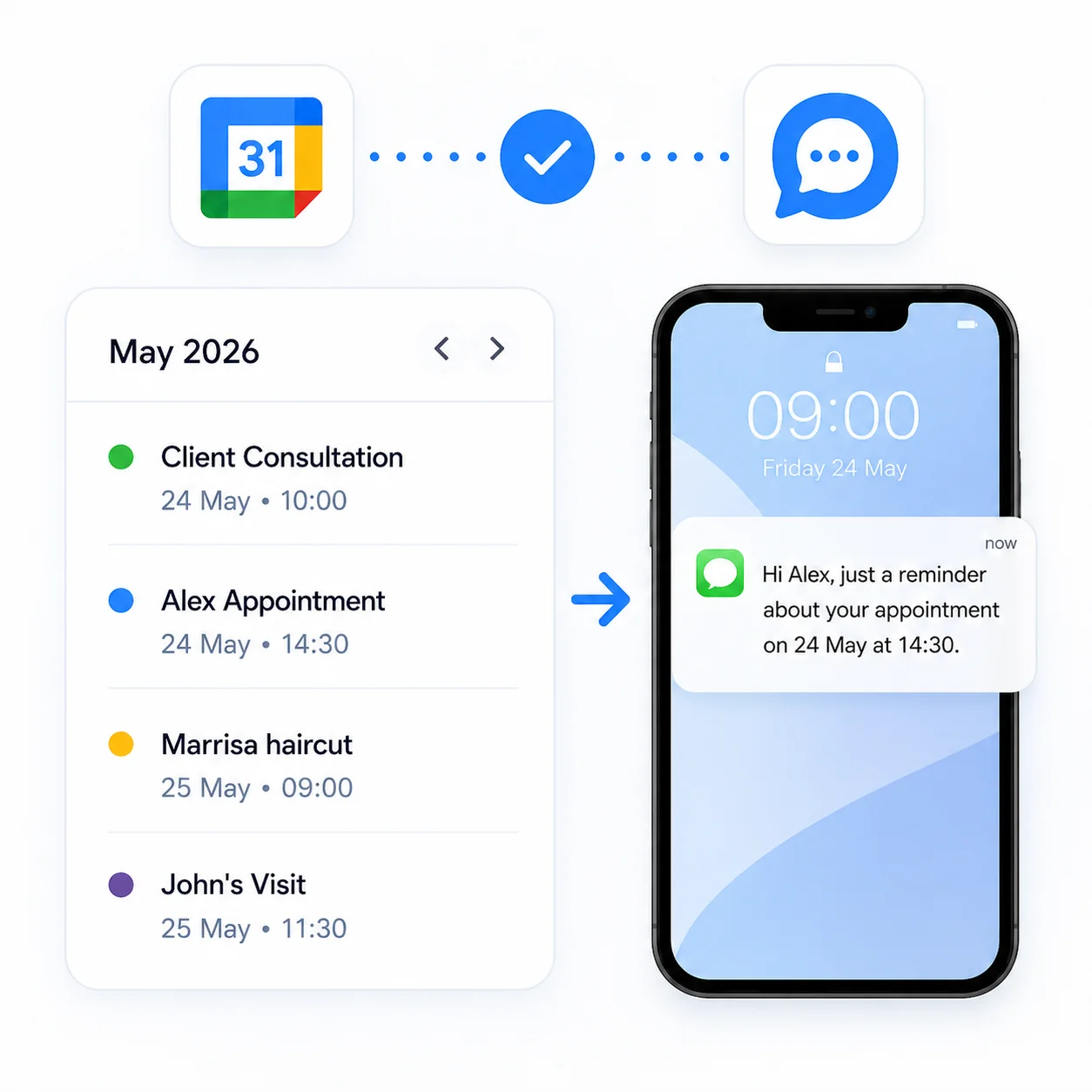
Two ways to connect Google Calendar to SMS
Choose how much control you want. Both run on the same Remindlo reminders engine, so you can start with one and switch later.
Automatic sync — we run it for you
Connect once with secure OAuth and Remindlo watches your Google Calendar in the background. Reminders go out automatically, with no new system to learn, nothing to click per appointment, and zero day-to-day admin.
Google Workspace add-on — you stay in control
Prefer to decide event by event? Install the Remindlo add-on from the Google Workspace Marketplace and choose exactly which appointments trigger an SMS, right inside Google Calendar.
How does the Google Calendar integration work?
We designed a fast setup that connects your calendar in minutes and immediately enables automated reminders.
Authorise access
Connect Google Calendar to Remindlo via secure OAuth 2.0.
Choose calendars
Select which calendars should sync appointments and bookings.
Configure reminders
Use ready-made SMS templates or add your own messaging.
Track results
Track no-show reduction and recovered revenue.
What do you gain after connecting?
Background sync
Remindlo updates data every few minutes so reminders stay accurate.
Multi-channel delivery
Combine SMS, email, and pre-built templates into a consistent customer journey.
The right name, every time
Write events in your own shorthand. Remindlo reads the customer out of the entry and never invents a name.
Resources
For setup details, visit the help centre. For more inspiration, explore our blog posts on reducing no-shows and automating customer communication.
Step-by-step guidance
Learn how to connect Google, configure calendars, and start your first sync.
Message and automation examples
Get inspired by reminder templates and strategies that grow revenue.
Who is this for?
The Google Calendar integration is ideal for service businesses that rely on appointments, consultations, and bookings.
FAQ — Google Calendar + Remindlo
Common questions about the integration and automated reminders.
Start with a free Google Calendar connection
Automate reminders, recover lost appointments, and deliver a better customer experience.