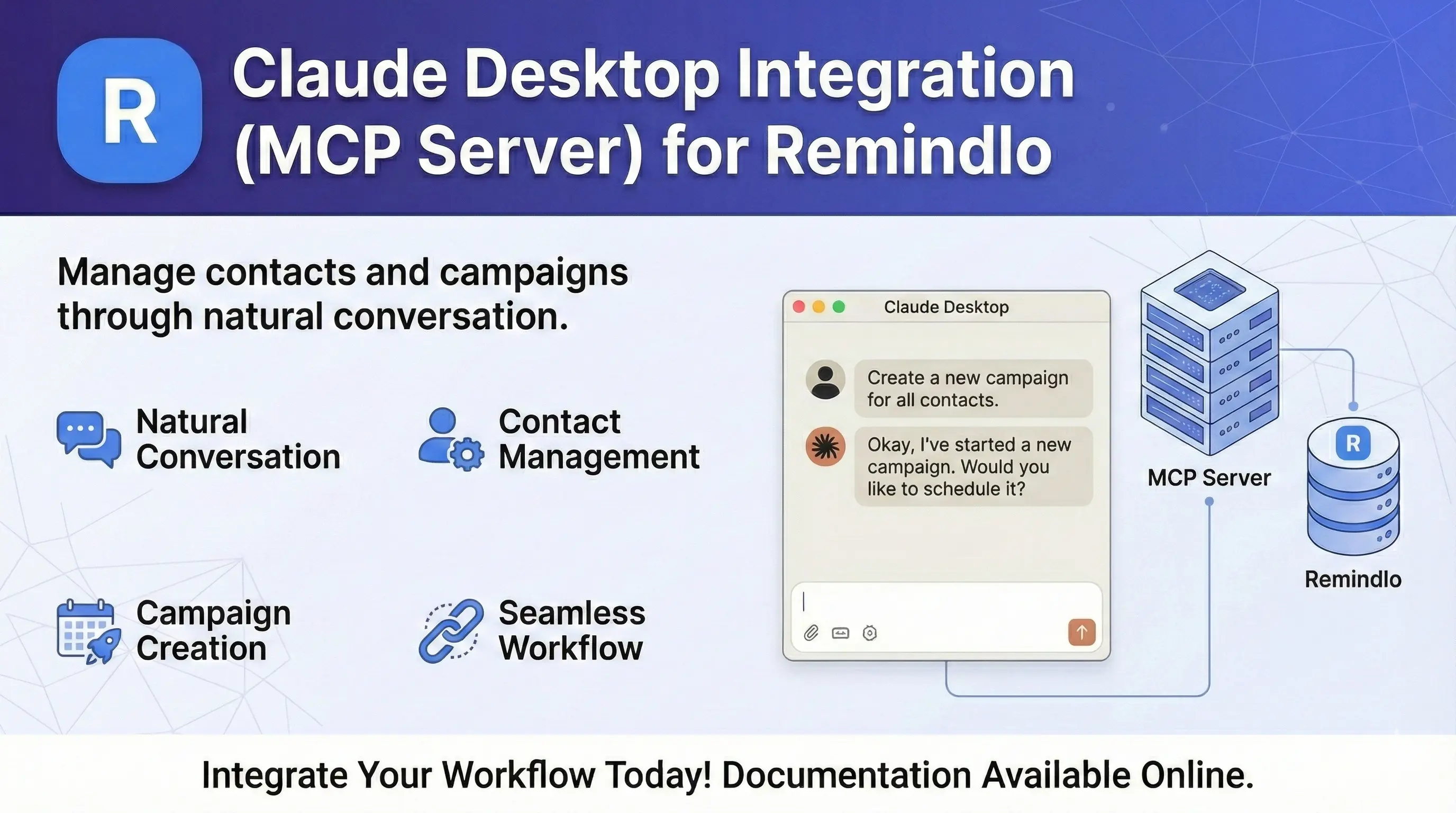
Claude AI Integration (MCP Server for sending SMS)
Connect Claude AI to Remindlo for natural language contact management. Add contacts by simply chatting with Claude.
Contents
What is MCP?
The Model Context Protocol (MCP) is a standard that allows AI assistants like Claude to directly use external tools. With the Remindlo MCP server, you can manage contacts and campaigns by simply chatting with Claude.
Instead of using the API directly, you can say:
Add John Smith, phone +447912345678, to the Birthday campaign
And Claude will handle everything automatically.
Connection Methods
There are two ways to connect Remindlo to Claude:
Method | Best for | Setup |
|---|---|---|
Claude.ai (Web) | Quick setup, no coding | One-click OAuth |
Claude Desktop | Local development, offline | Config file + API key |
Option 1: Claude.ai (Recommended)
The easiest way to connect - no configuration files or API keys needed.
Step 1: Open Connectors
Go to Claude.ai Settings → Connectors
Step 2: Add Custom Connector
Click "Add custom connector" and enter:
https://mcp.remindlo.co.ukStep 3: Authorize
Claude will redirect you to Remindlo to log in and authorize access. Click "Allow" to grant Claude permission to manage your contacts and campaigns.
That's it! You can now chat with Claude and ask it to manage your Remindlo contacts.
Option 2: Claude Desktop
For Claude Desktop app, you need to configure it manually with an API key.
Requirements
Claude Desktop installed on your computer
Node.js 22 or higher (download)
A Remindlo API key from Dashboard → Integrations
Step 1: Get Your API Key
Go to Dashboard → Integrations and create an API key. Copy it - you'll need it in the next step.
Step 2: Configure Claude Desktop
Open your Claude Desktop configuration file:
macOS:
~/Library/Application Support/Claude/claude_desktop_config.jsonWindows:
%APPDATA%\Claude\claude_desktop_config.json
Add the Remindlo server configuration:
{
  "mcpServers": {
    "remindlo": {
      "command": "npx",
      "args": ["@remindlo/mcp-server"],
      "env": {
        "REMINDLO_API_KEY": "sk_live_your_key_here"
      }
    }
  }
}
Replace sk_live_your_key_here with your actual API key.
Step 3: Restart Claude Desktop
Close and reopen Claude Desktop. The Remindlo tools should now be available.
Available Commands
Once connected (via either method), you can ask Claude to:
List Campaigns
Show me my Remindlo campaigns
What SMS campaigns do I have?
Add or Update Contacts
Add Maria Garcia, phone +34612345678, email maria@example.com
Create a contact for John Smith with phone +447912345678 and enroll him in the Appointment Reminder campaign
Update the contact +447912345678 - set next appointment to March 15th
Add Sarah Green, phone +447700900123, as a recurrent contact - MOT every 12 months, next due 2026-06-01
Set contact +447912345678 as recurrent, every 6 months
Send SMS Messages
Send John Smith an SMS saying his appointment is confirmed for tomorrow at 2pm
Text the contact +447912345678 to remind them about their upcoming visit
Note: Sending one-time SMS messages requires a paid plan. Upgrade here if you're on the free plan.
Find Contacts
Look up the contact with phone +447912345678
Find all contacts due for appointments this week
Search for contacts named Smith
Example Conversation
You: Add a new contact - John Smith, phone +44607123456, and sign him up for the Birthday Reminder campaign
Claude: I'll add John Smith to your contacts and enroll him in the Birthday Reminder campaign.
[Claude calls list_campaigns to find the campaign ID]
[Claude calls upsert_contact with the phone and campaign_ids]
Claude: Done! I've added John Smith (+48607123456) and enrolled him in the Birthday Reminder campaign. He'll receive birthday reminders according to the campaign schedule.
Phone Number Format
Always use international format with country code:
Country | Format | Example |
|---|---|---|
UK | +44 | +447912345678 |
Poland | +48 | +48607123456 |
USA | +1 | +12025551234 |
Spain | +34 | +34612345678 |
Germany | +49 | +491512345678 |
Troubleshooting
Claude.ai: "Connection failed" or OAuth errors
Make sure you're logged in to your Remindlo account
Try disconnecting and reconnecting the connector
Clear your browser cache and try again
Claude Desktop: Tools not appearing
Make sure you've restarted Claude Desktop after editing the config
Check that the config file path is correct for your operating system
Verify the JSON syntax is valid (no trailing commas, proper quotes)
Ensure Node.js 22+ is installed: run
node --versionin terminal
"REMINDLO_API_KEY environment variable is required"
Your API key is missing or not set correctly in the config. Make sure the env section contains your key:
"env": {
  "REMINDLO_API_KEY": "sk_live_your_actual_key"
}
"Invalid API key" errors
Verify your API key in Dashboard → Integrations
Make sure you're using the full key (starts with
sk_live_orsk_test_)Check the key hasn't expired
"Network error" or connection issues
Check your internet connection
Verify that
api.remindlo.co.ukandmcp.remindlo.co.ukare accessibleIf behind a corporate firewall, you may need to allow outbound HTTPS connections
Revoking Access
To disconnect Claude from your Remindlo account:
Claude.ai: Go to Settings → Connectors and remove the Remindlo connector
Claude Desktop: Remove the
remindlosection from your config file and delete the API key in Dashboard → Integrations
See Also
SMS Reminder API Documentation - for direct API integration
Claude Desktop - download and documentation
Model Context Protocol - MCP specification
Need Help?
Contact us at support@remindlo.co.uk for integration support.