7 Best Google Calendar SMS Reminder Tools (2026)
 by Peter Bednarek, Founder
Google Calendar doesn't send text messages to your clients. These tools fill that gap. We compared pricing, features, ease of setup, and real-world suitability so you can pick the right one in five minutes.
Contents
- Why you need a third-party SMS tool for Google Calendar
- What does "Google Calendar to SMS" actually mean?
- Quick comparison: Google Calendar SMS reminder tools
- 1. Remindlo - Best overall
- 2. Remind1 - Budget pick
- 3. SMS Reminder App
- 4. Appointment Reminder
- 5. GReminders - Most features
- 6. SMS Client Reminders
- 7. Apptoto
- Verdict: which tool should you choose?
- FAQ
- Start reducing no-shows today
- BONUS: Video comparison. Best SMS Reminder Tools for Google calendar
Key takeaway: Tools that send SMS from Google Calendar fall into three types. Add-ons fire a text off each calendar event. Reminder platforms sync the calendar but keep their own customer list, so they can also chase people who are not booked in yet. Booking systems replace your calendar entirely. Most small service businesses with repeat customers need the second: Remindlo sits there, with a free tier of 10 SMS a month, £19/month for 75, and recurring reminders that roll each customer's next due date forward on their own. Pick a plain add-on like Remind1 if entry price is all that matters, GReminders if you already run a CRM and need voice calls, or a booking system if you want scheduling and reminders in one place.
Why you need a third-party SMS tool for Google Calendar
Google Calendar is brilliant for scheduling - but it has a significant gap. It can send email and push notifications to you, the calendar owner. It cannot send SMS text messages to your clients. No built-in option. No workaround. Even Google Workspace paid plans don't solve this.
That's a problem, because a reminder only works if it reaches the client. For appointment-based businesses - garages, salons, clinics, consultants, accountants - a simple text reminder can cut the number of people who simply forget: across eight randomised trials, attendance was 78.6% with a reminder against 67.8% without (our sources).
The good news is that several third-party tools integrate directly with Google Calendar and send SMS reminders on your behalf. We tested and compared the seven most popular options to help you choose.
What does "Google Calendar to SMS" actually mean?
Google Calendar to SMS (also called Google Calendar SMS integration) describes connecting your Google Calendar to a third-party service so that upcoming events automatically trigger a text message to the client - not just a notification to you. Google Calendar itself has no native way to do this: its own reminders and notifications only reach the calendar owner's phone or email, never the person you booked the appointment with.
A proper Google Calendar SMS integration works like this: you connect your calendar once (OAuth or a Google Workspace add-on), the tool reads new and updated events in the background, and it sends an SMS reminder to the phone number attached to each booking at the time you configure - typically 24 hours and/or 2 hours before the appointment. No manual texting, no copying numbers into a separate app.
The seven tools below all offer this "Google Calendar to SMS" capability, but they differ significantly in price, automation level, and who they're built for.
Quick comparison: Google Calendar SMS reminder tools
Tool | Free tier | Paid from | SMS included | Auto-sync | Best for |
|---|---|---|---|---|---|
Remindlo | 10 SMS/mo | £19/mo | 75 SMS | Yes | UK & US service businesses |
Remind1 | Free trial | $9/mo | Varies | Yes | Budget-conscious solopreneurs |
SMS Reminder App | 25 reminders | $19/mo | 50 reminders | No (manual) | Personal + small business |
Appointment Reminder | 14-day trial | $29/mo (US) / £15/mo (UK) | 400 (US) / 100 (UK) | Yes | High-volume US practices |
GReminders | 100 emails/mo | $47/mo (w/ SMS) | 320 SMS | Yes | Professionals with CRM needs |
SMS Client Reminders | Free trial | Varies (PAYG) | PAYG credits | Yes (hourly scan) | iCal-based calendars (UK focus) |
Apptoto | No | ~$30/mo | Varies | Yes | Multi-channel (SMS + voice) |
Prices checked February 2026. All USD prices are approximate and may vary by region.
1. Remindlo - Best overall
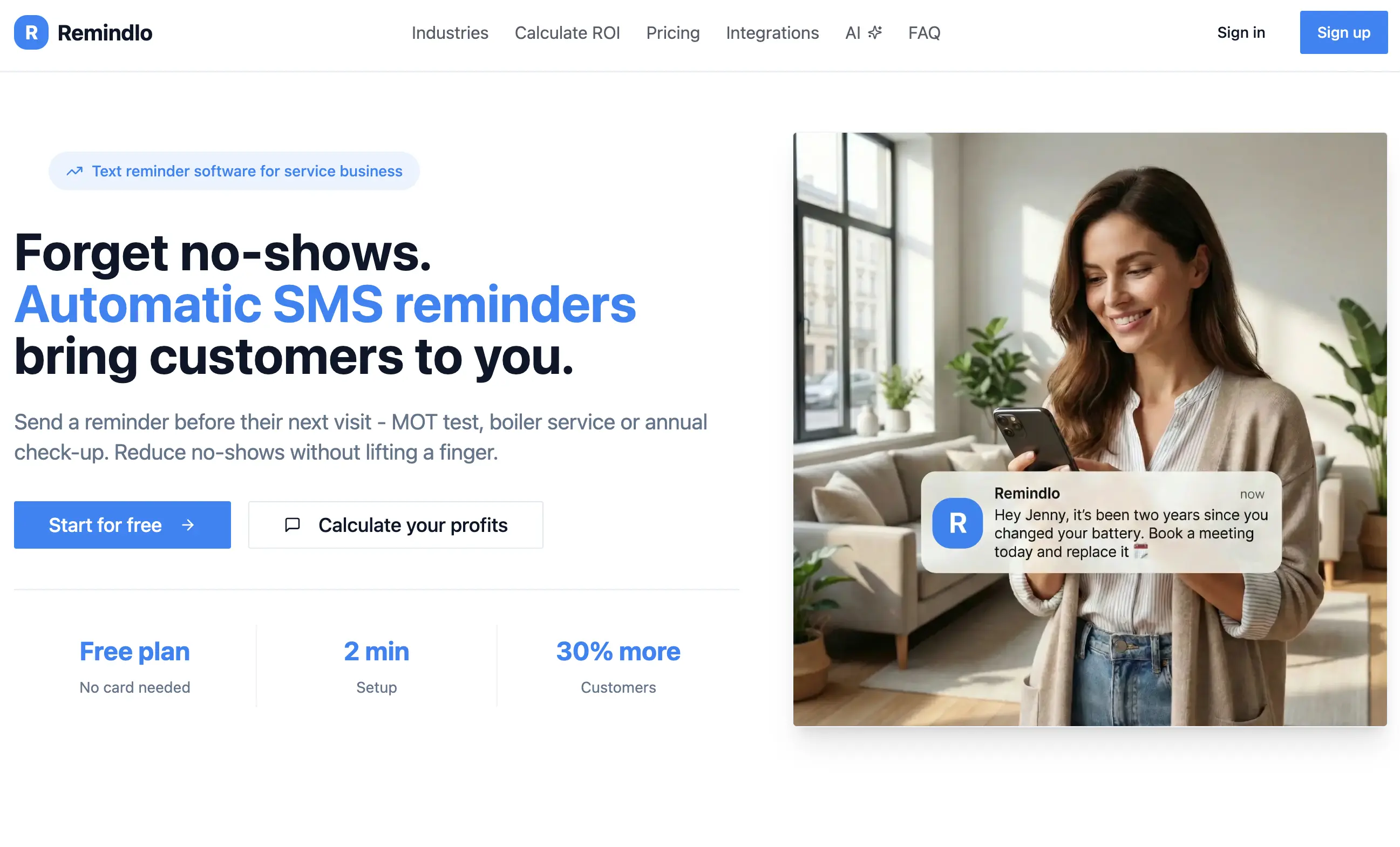
Rating: ★★★★★ - Google Workspace Marketplace Pricing: Free: 10 SMS/mo · Starter: £19/mo (75 SMS) · Standard: £49/mo (250 SMS)
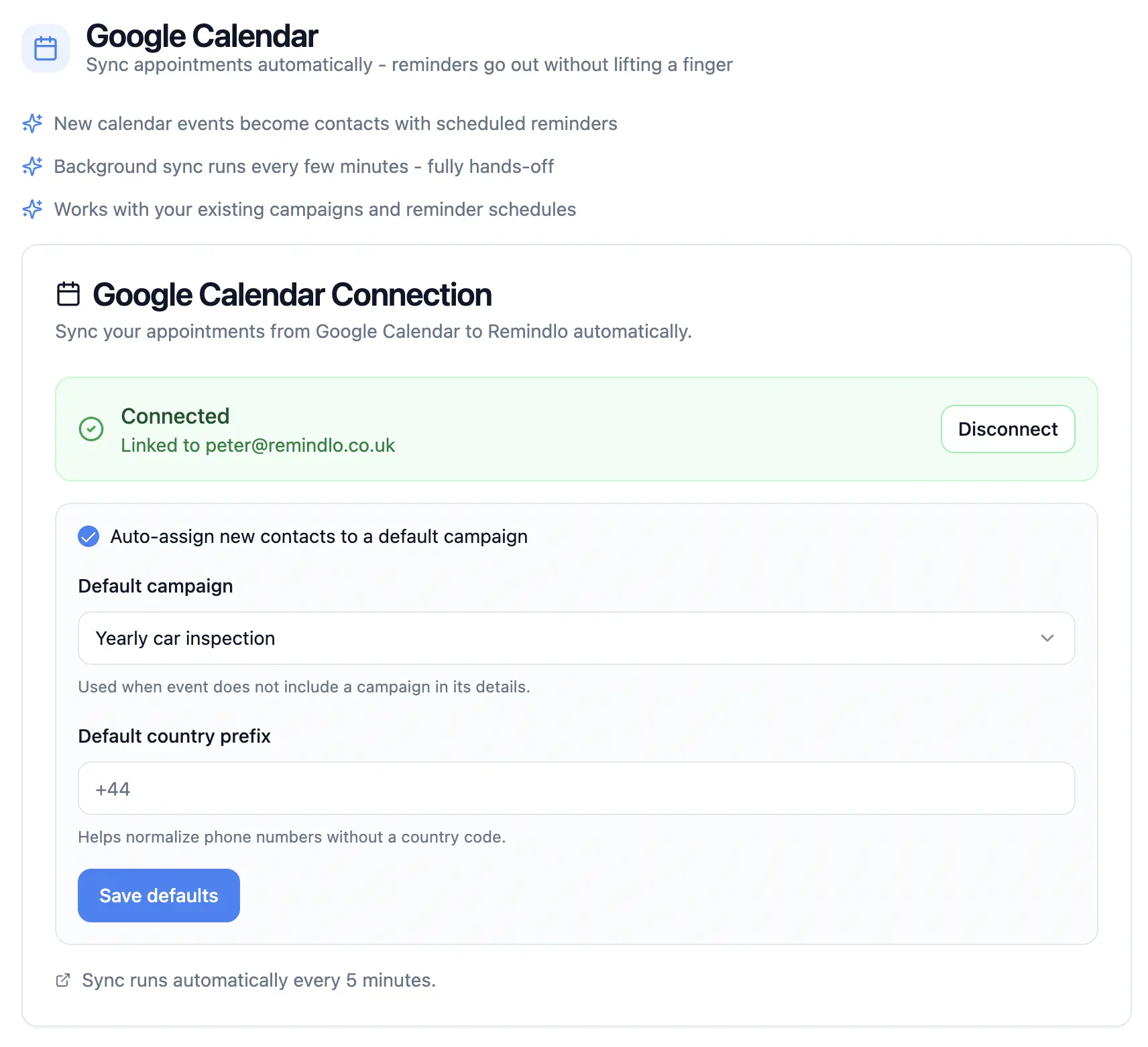
Remindlo connects to Google Calendar via a native Workspace add-on and syncs appointments automatically in the background. When a new event appears with a client's phone number, Remindlo picks it up and schedules SMS reminders based on your configured rules - no need to manually create a reminder for each event.
It's designed specifically for small service businesses that rely on recurring appointments: garages, salons, veterinary practices, consultants, HVAC Engineers and tradespeople. The free tier is permanent (not a trial), making it easy to test with real clients before committing.
Strengths:
Permanent free tier (10 SMS/mo)
Fully automatic background sync
Supports recurring visit reminders
Native Google Calendar SMS Reminder add-on
GBP pricing for UK businesses (and 30+ local currencies available at the checkout)
Works in the US, UK, and Europe
Unlimited email reminders on paid plans
Simple setup - under 2 minutes
Industry-specific message templates and use cases (pre-visit, post-visit thank you notes, reactivation campaigns)
Build with the future in mind (SMS Reminder API, AI assistant integration, AI Paper Calendar scanner)
Outlook / iCloud Apple calendar integrations
Limitations:
Newer product (fewer reviews), yet 300+ businesses have already signed up
No voice call reminders
Two-way SMS only for the US/Canadian numbers
Best for: Small service businesses in the UK and US that want a fire-and-forget Google Calendar SMS reminder at a low price point. Particularly strong for recurring service reminders (MOT, annual check-ups, servicing).
2. Remind1 - Budget pick
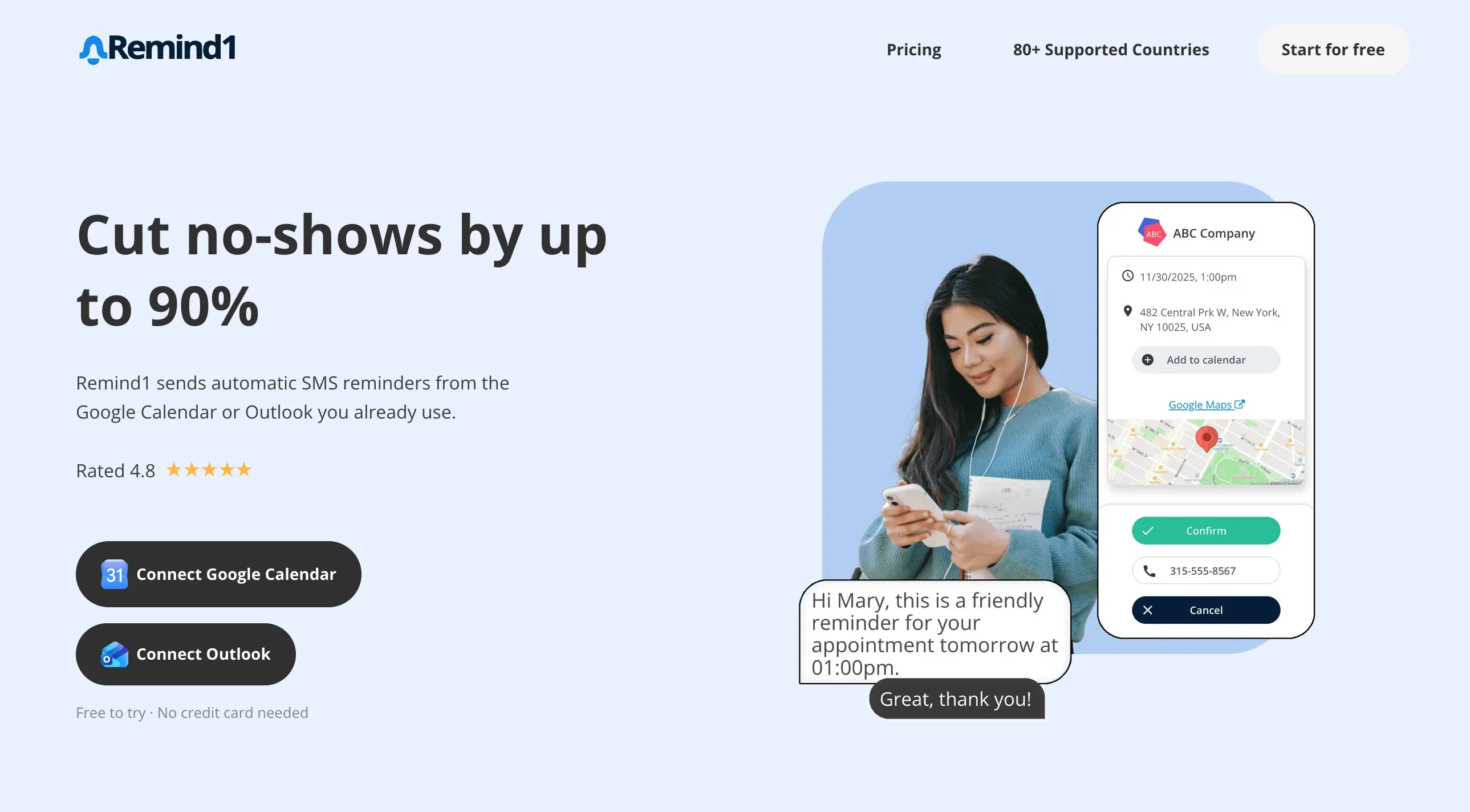
Rating: ★★★★☆ (4.8) - Google Workspace Marketplace Pricing: Free trial · From $9/mo · Also supports Microsoft Outlook/Teams
Remind1 is one of the most established players in Google Calendar SMS reminders, with over 120,000 calendar installs. It works as a sidebar add-on: you tag a client's phone number in the event title or description, and Remind1 automatically picks it up and sends reminders according to your configured schedule.
One of its strongest advantages is support for both Google Calendar and Microsoft Outlook/Teams, making it a versatile choice for businesses that use multiple calendar systems.
Strengths:
Lowest entry price ($9/mo)
Google + Microsoft calendar support
Appointment confirmation pages
Custom sender ID in many countries
GDPR compliant
80+ countries supported
Large user base, many reviews
Limitations:
No permanent free tier
Pricing details require sign-up to see
USD-only pricing
No email reminders
Best for: Solo professionals and freelancers who want the cheapest possible entry point and need Google + Outlook support.
3. SMS Reminder App
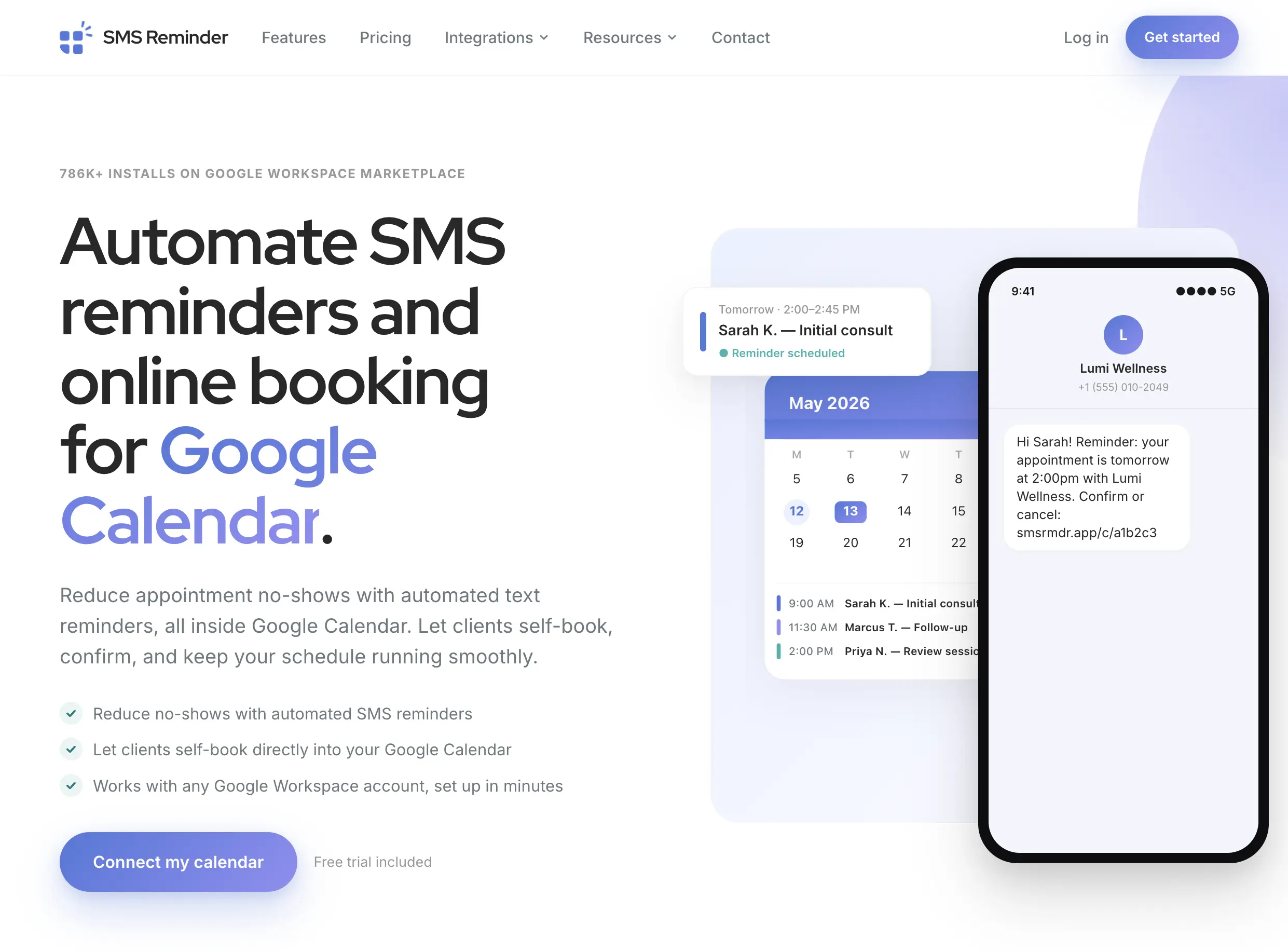
Rating: ★★★★☆ - Google Workspace Marketplace Pricing: 25 free reminders · Basic: $19/mo (50) · Starter: $29/mo (100) · Business: $45/mo (250)
SMS Reminder App (smsreminder.app) is a well-designed tool from Canada that runs as a Google Calendar sidebar add-on. Unlike some competitors, you manually select each appointment and set a reminder - it's not fully automatic in the background. You can also type phone numbers with hashtags in event titles for semi-automatic pickup.
It includes appointment confirmation features where clients can confirm or cancel via a web link, and the calendar event is colour-coded accordingly. The interface is clean and the documentation is thorough.
Strengths:
Free initial 25 reminders (no trial limit)
Appointment confirmation with calendar colour-coding
Dynamic data insertion ({date}, {time}, {title})
Multi-timezone support
Clean, well-documented interface
Limitations:
Not fully automatic - manual setup per event
Price per SMS can be high (messages consume multiple "reminders" if over 160 chars)
No email reminder option
USD-only pricing
Best for: Businesses that want appointment confirmations with visual status tracking in their calendar, and don't mind manual setup per event.
4. Appointment Reminder
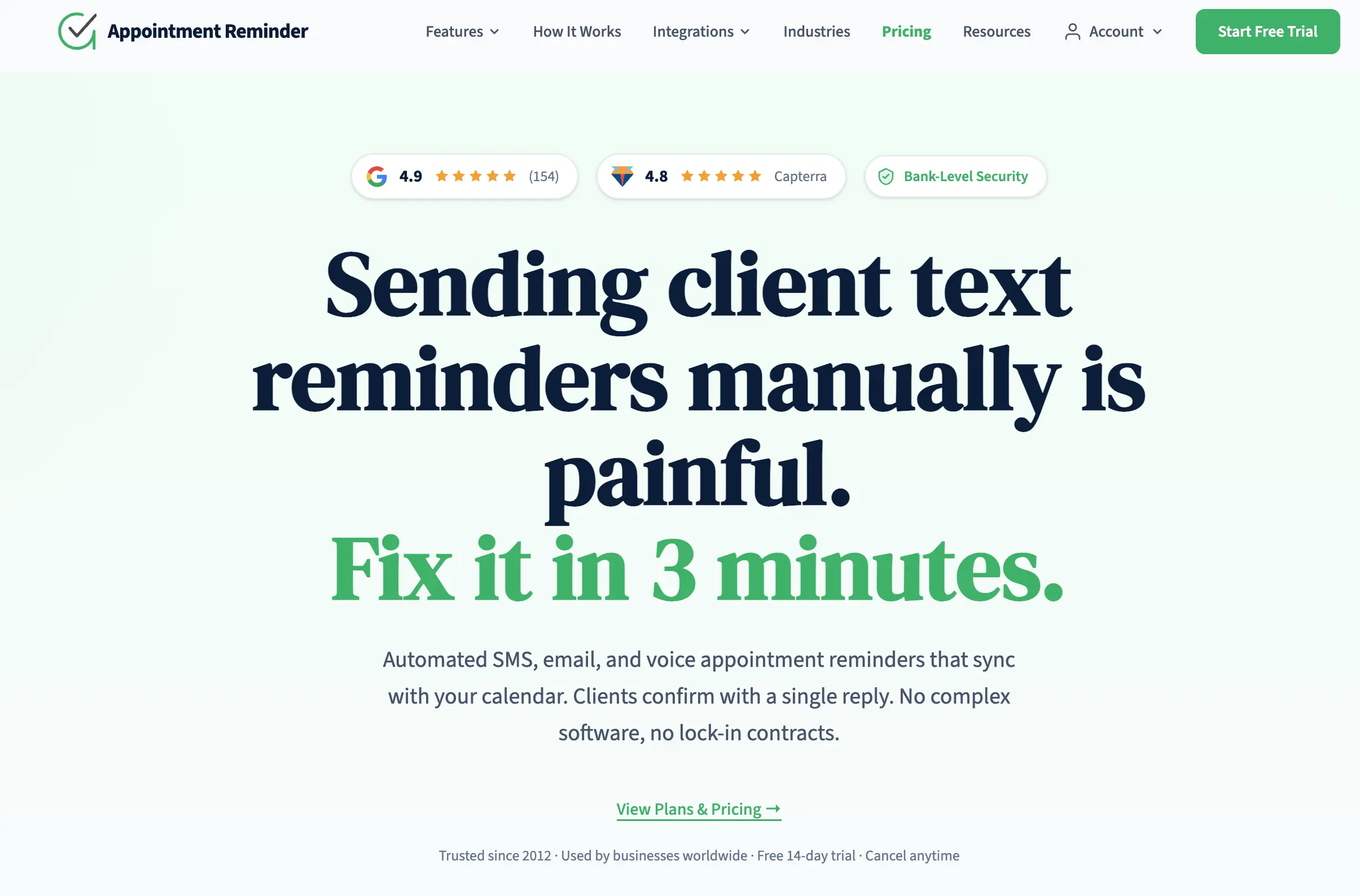
Rating: ★★★★☆ - appointmentreminder.com Pricing: 14-day trial · US: from $29/mo (400 SMS) · UK: from £15/mo (100 SMS)
Appointment Reminder is one of the older players in this space. It offers a two-way Google Calendar integration: it reads events from your calendar and also writes back confirmation statuses when clients reply. Simply put the client's mobile number in the event title or description and the system handles the rest.
It stands out with features like voice call reminders, online booking pages, and dedicated phone numbers. The US Standard plan at $29/month includes 400 reminders - competitive for higher-volume businesses. They also offer local-currency pricing for the UK, Australia, and New Zealand.
Strengths:
Two-way calendar sync (replies update events)
SMS + email + voice calls
Online booking page included
Dedicated phone number
GBP, AUD, NZD pricing available
Good value for US high-volume (400 SMS at $29)
Limitations:
No permanent free tier
UK plan (£15/100 SMS) is less generous
Interface feels dated
No Google Workspace Marketplace listing
Best for: US-based businesses with high appointment volumes that want SMS, email, and voice reminders from a single tool - and want a dedicated phone number.
5. GReminders - Most features
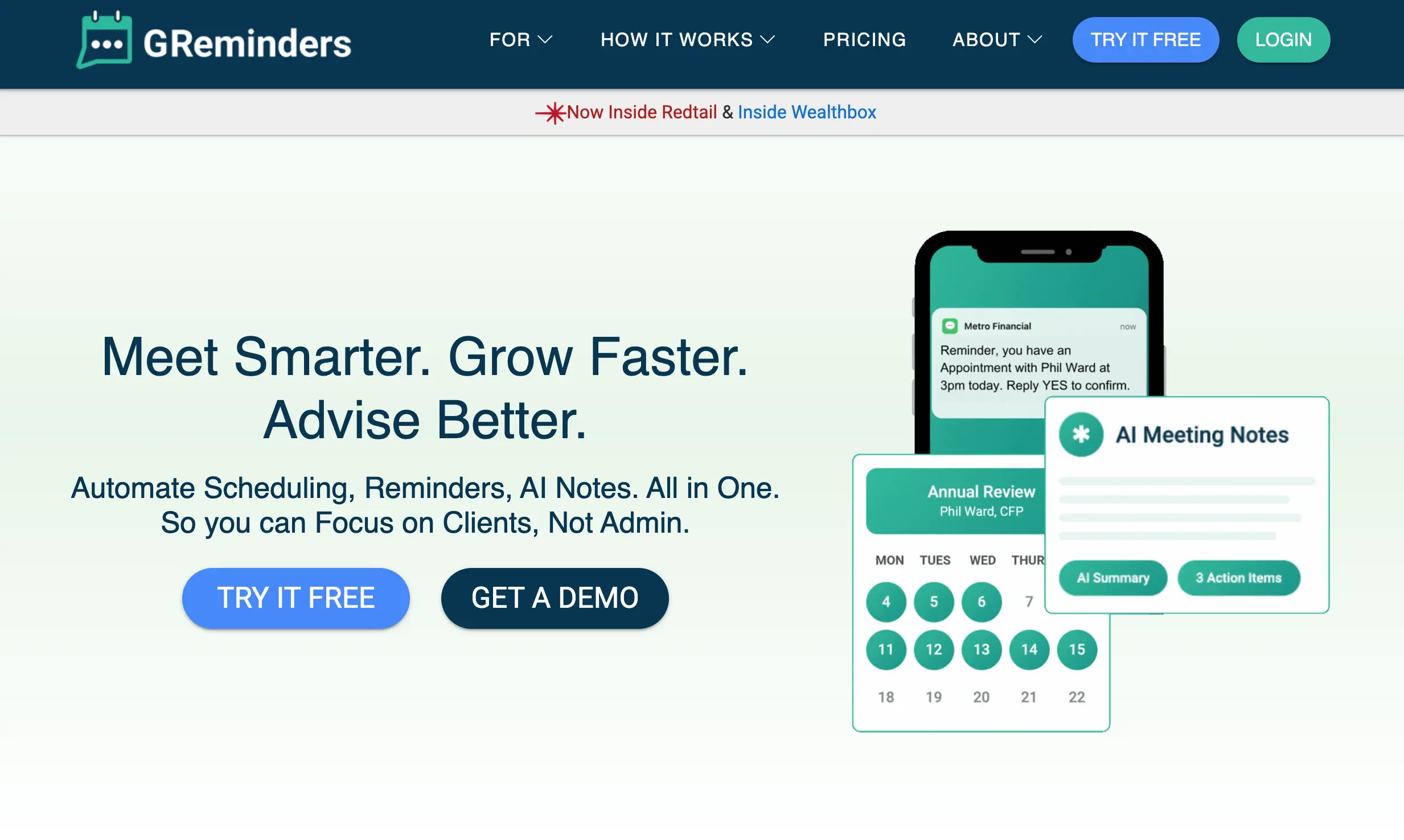
Rating: ★★★★★ (4.8) - greminders.com Pricing: Free plan (email only) · Standard: $10/mo (email) · Professional: $47/mo (320 SMS)
GReminders is the most feature-rich option on this list. It's designed for professionals - financial advisors, accountants, lawyers, therapists - and includes not just reminders but also online scheduling, CRM integrations (Salesforce, HubSpot, Redtail, Wealthbox), HIPAA compliance, and even an AI notetaker.
The catch: SMS is only available on the $47/month Professional plan. The free and $10/month plans are email-only. For businesses that need the full suite, it's excellent value. For someone who just wants calendar-to-SMS, it's overkill.
Strengths:
Most feature-rich option overall
CRM integrations (Salesforce, HubSpot, Redtail)
HIPAA, FINRA/SEC compliance
Online scheduling is built in
Google + Microsoft calendar support
Dedicated phone number
65+ country support
Limitations:
SMS requires $47+/mo plan
Complex - steep learning curve
Overkill for simple reminder needs
No free SMS tier
Best for: Professional services firms (financial advisors, law offices, clinics) that need scheduling + reminders + CRM integration in one platform.
6. SMS Client Reminders
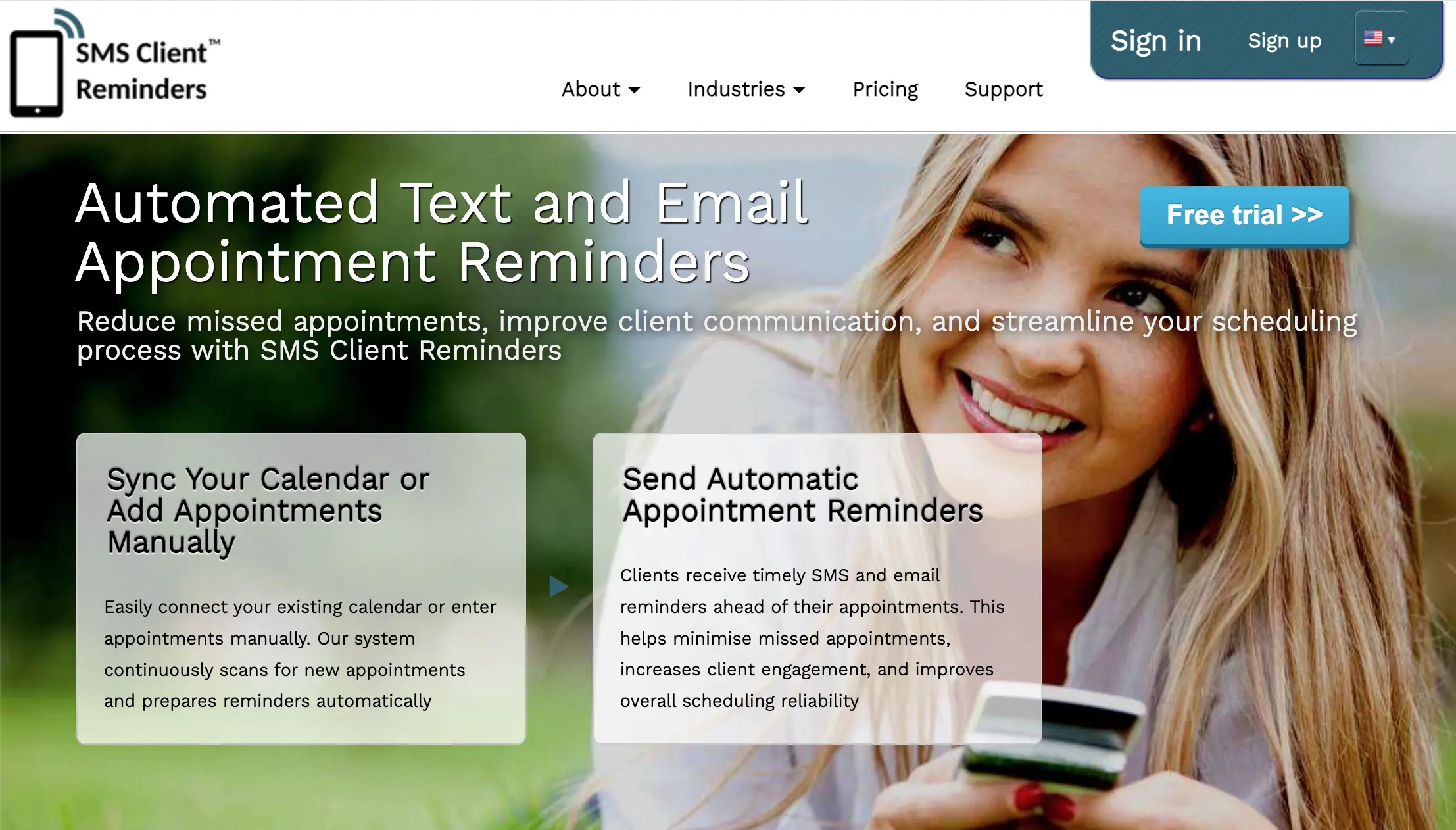
Rating: ★★★☆☆ - smsclientreminders.com Pricing: Free trial · PAYG and monthly plans available
SMS Client Reminders takes a slightly different approach. Instead of a Google Workspace add-on, it connects via your calendar's secret iCal address. The system scans your calendar every 60 minutes, picks up new events, and sends reminders based on your configured schedule.
This iCal-based approach means it works not just with Google Calendar but also with iCloud, Outlook, and any calendar that supports iCal export. However, the 60-minute scan interval means it's slower than real-time sync tools.
Strengths:
Works with any iCal-compatible calendar
PAYG pricing available (pay per SMS)
UK-based company
Supports client groups
Automatic cancellation handling
Limitations:
60-minute scan interval (not real-time)
iCal setup is more complex than OAuth
Dated interface design
Limited documentation
Best for: UK businesses that use iCloud or other non-Google calendars and want a pay-as-you-go pricing option.
A dedicated comparison covers this in more detail: Remindlo vs SMS Client Reminders.
7. Apptoto
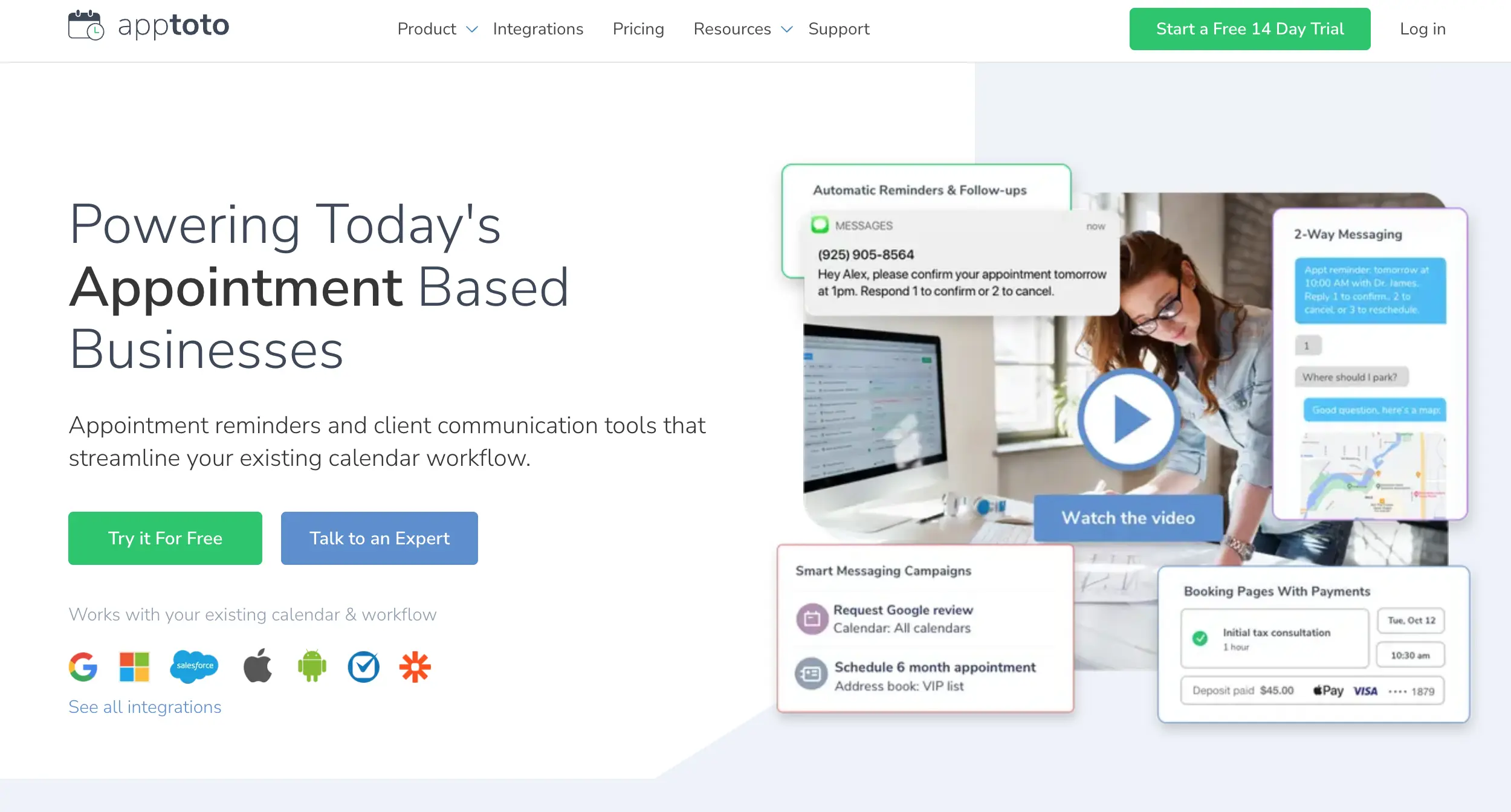
Rating: ★★★★☆ - apptoto.com Pricing: No free tier · Plans from ~$30/mo
Apptoto positions itself as a comprehensive appointment communication platform. It connects with Google Calendar and offers SMS, voice, and email reminders with reply handling. Clients can respond to confirm, cancel, or reschedule - and those changes sync back to the calendar.
It's a solid, established product but lacks a free tier and the pricing is higher than most alternatives on this list. It's best suited for mid-size practices that need multi-channel reminders with reply management.
Strengths:
SMS + voice + email in one platform
Reply handling with rescheduling
Good documentation and guides
Works with Google, Outlook, Salesforce
Limitations:
No free tier or permanent trial
Higher price point
More complex setup
Not listed on Google Workspace Marketplace
Best for: Multi-provider practices (clinics, salons with multiple staff) that need robust reply handling and multi-channel communication.
A dedicated comparison covers this in more detail: Remindlo vs Apptoto.
Verdict: which tool should you choose?
The "best" tool depends on your situation. Here's how to decide quickly:
Choose Remindlo if you're a small service business (especially in the UK), want the simplest possible setup, and prefer a free tier to test with real clients first. At £19/month for 75 SMS with full automation, it's the most affordable option with background sync that doesn't require any manual work per appointment.
Choose Remind1 if you need the absolute lowest price ($9/month), work with both Google and Microsoft calendars, and don't need email reminders. It's the best budget option with a proven track record.
Choose Appointment Reminder if you're in the US with a high volume of appointments and want SMS + voice + email from a single platform with a dedicated phone number. The $29/month for 400 reminders is competitive at that volume.
Choose GReminders if you're a professional services firm that needs scheduling, CRM integration (especially Salesforce or Redtail), and compliance features (HIPAA, FINRA). It's expensive for simple reminders, but unmatched for full practice management.
Choose SMS Reminder App if appointment confirmations with visual calendar colour-coding are important to your workflow, and you don't mind manually setting up reminders per event.
For most small businesses that just want their Google Calendar events to automatically trigger an SMS reminder to their clients, the combination of simplicity, pricing, and automation makes Remindlo the strongest choice in 2026.
Need even broader comparison without the Google Calendar constraint? Read our general guide to SMS reminder services for small business.
FAQ
Does Google Calendar have built-in SMS reminders?
No. Google Calendar supports email and push notifications for yourself, but it cannot send SMS text messages to event attendees or clients. You need a third-party tool for that.
What is the cheapest Google Calendar SMS reminder tool?
Remindlo offers a permanent free plan with 10 SMS per month. For paid plans, Remind1 starts at $9/month. Most competitors begin at $29/month or higher for comparable features.
Can I send automated SMS reminders from Google Calendar without manual work?
Yes. Tools like Remindlo, Remind1, and GReminders sync with Google Calendar in the background. When you add an event, the tool reads it and sends SMS reminders at the times you configure - no manual input needed for each appointment.
Which Google Calendar SMS reminder tool is best for UK businesses?
Remindlo is purpose-built for UK service businesses with GBP pricing, GDPR compliance, and alphanumeric sender IDs. Appointment Reminder also offers GBP pricing starting at £15/month. Most other tools are priced in USD.
Do I need technical skills to set up Google Calendar SMS reminders?
No. All tools on this list connect via OAuth or a Google Workspace add-on. Setup typically takes 2–5 minutes. SMS Client Reminders uses iCal links, which require a couple of extra steps, but no coding is needed.
Can these tools send reminders internationally?
Most tools support international SMS. Remindlo works across the UK, US, and Europe. Remind1 covers 80+ countries. GReminders supports 65+ countries. Check each tool's country list for specific coverage before signing up.
Start reducing no-shows today
Every missed appointment is lost revenue. A single SMS reminder, sent automatically at the right time, is the cheapest intervention anyone has tested against it (our sources). With free options available, there's no reason not to start.
Connect your Google Calendar to Remindlo and start sending reminders in under two minutes. No credit card required.
If you run a service business mostly from your phone and Google Calendar is the centre of your operation, see our dedicated guide for Service Businesses on how to send SMS reminders.