From Paper Diary to Digital Reminders in 30 Seconds
 by Peter Bednarek, Founder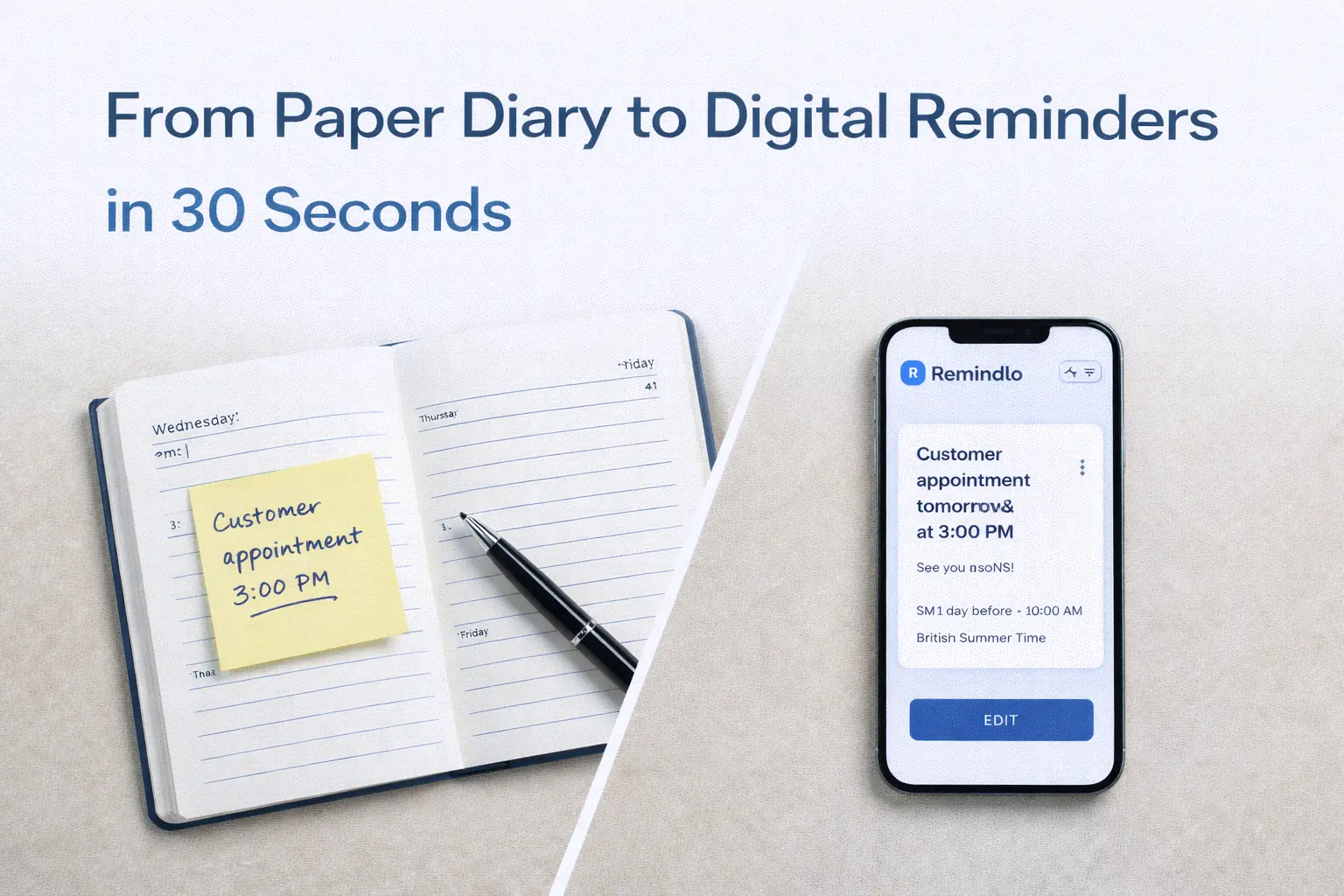
Still using a paper appointment book? Now you can snap a photo and let AI do the data entry for you. Introducing our new Scan Calendar feature that digitises your handwritten appointments instantly.
Contents
We've all been there. Years of client appointments written in trusty paper diaries. Names, phone numbers, appointment times - all captured in handwriting that made perfect sense at the time.
But when you're ready to modernise your business with automated reminders, the thought of typing hundreds of contacts into a new system is enough to make anyone stick with paper just a bit longer.
Not anymore.
Introducing Scan Calendar
Today we're launching a feature that our users have been asking for: the ability to photograph your paper calendar and have AI automatically extract all the appointment details.
Here's how simple it is:
Open Remindlo -> Contacts and tap Scan Calendar
Take a photo of your appointment book page
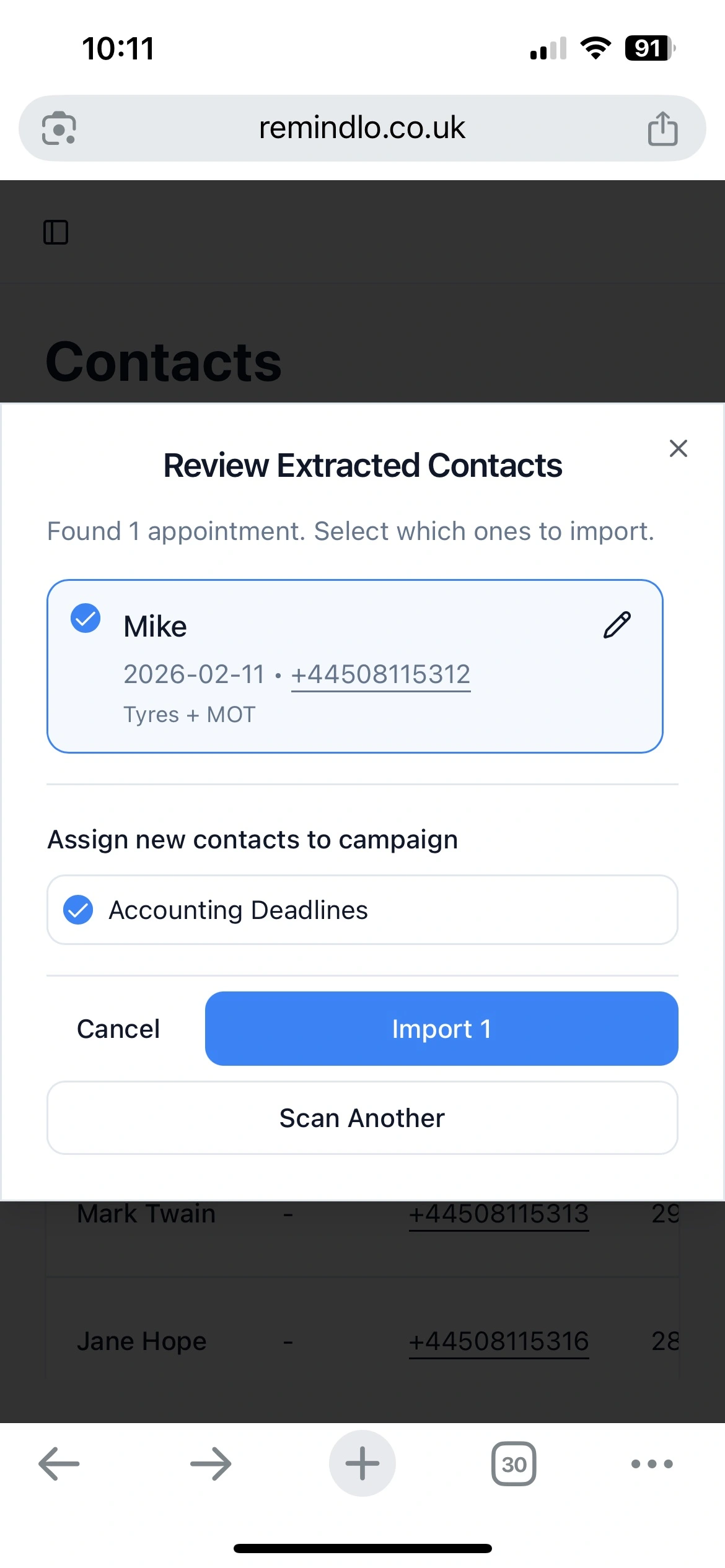
Review the extracted contacts
Import with one tap
That's it. What would have taken an hour of tedious data entry now takes about 30 seconds.
Built for Real Handwriting
We know that appointment books aren't always neat and tidy. That's why we've trained our AI to handle:
Various handwriting styles (yes, even the messy ones)
Abbreviated names and notes
Phone numbers written in different formats
Weekly, daily, and monthly calendar layouts
Mixed printed and handwritten text
The system shows you a confidence indicator for each extracted entry, so you'll know if something needs a quick check before importing.
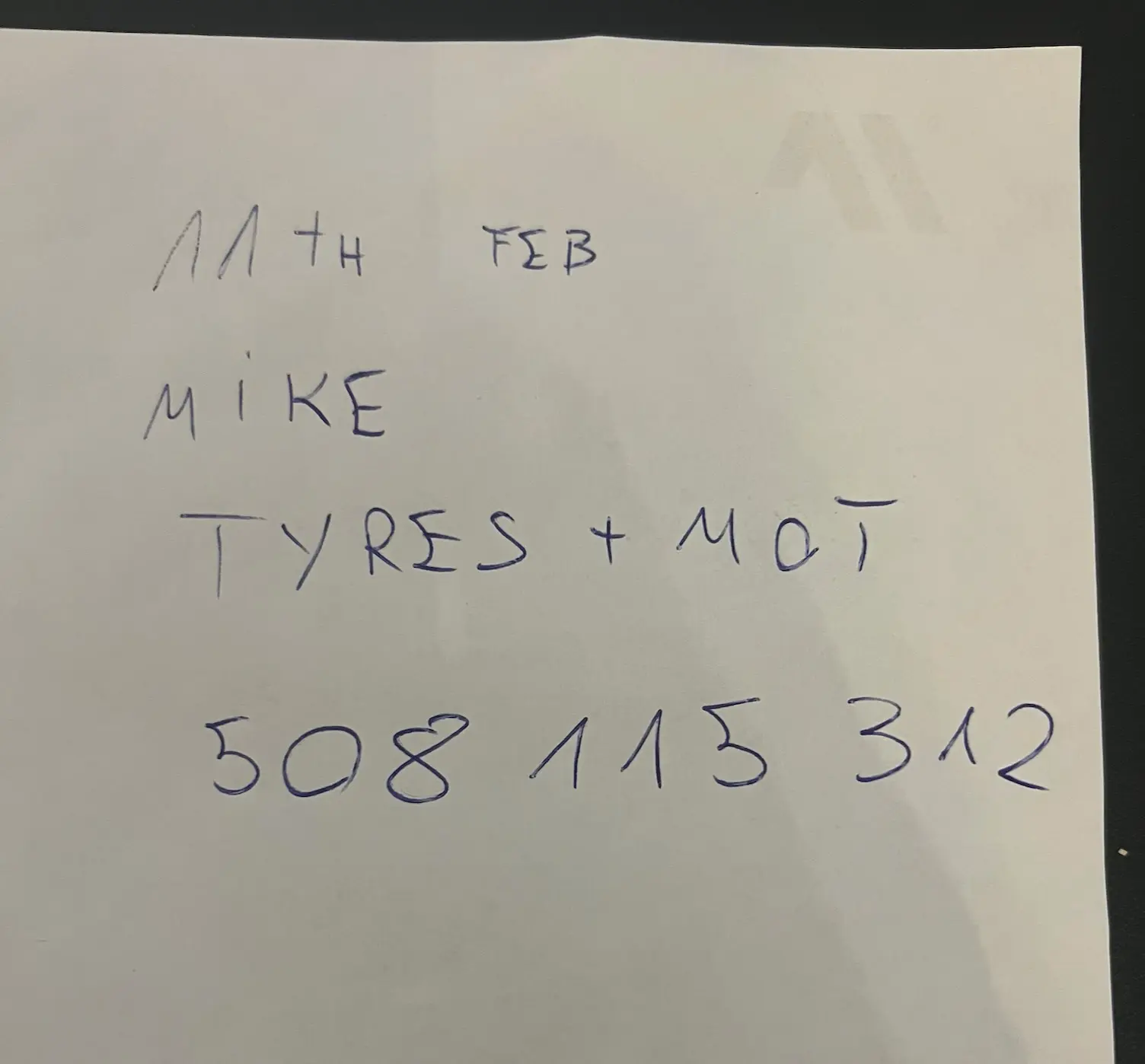
From this:
Into a fully formatted SMS reminder structure in 30 seconds. It works perfectly on mobile - no need to upload pictures to your computer. Build your digital contacts database straight from your phone.
Smart Duplicate Detection
Already have some clients in Remindlo? No problem. When you scan a calendar page, the system automatically checks for existing contacts with matching names or phone numbers.
If it finds a potential match, you can choose to:
Update the existing contact with the new appointment date
Create a new contact if it's actually a different person
Skip it if the appointment is already in your system
This means you can scan page after page without worrying about creating duplicates.
Works with iPhone Photos Too
If you're using an iPhone, you know that photos are saved in HEIC format. Many apps can't handle these files, forcing you to convert them first.
Remindlo handles HEIC images automatically. Just snap and upload - we'll take care of the rest.
Your Data Stays Private
We take privacy seriously. When you scan a calendar:
The image is processed securely using encrypted connections
We extract the contact information and immediately discard the image
Nothing is stored on our servers except the contacts you choose to import
Your clients' information is handled with the same care you'd expect from any professional service.
Perfect for the Transition Period
We understand that going fully digital doesn't happen overnight. Many of our users run a paper diary alongside Remindlo during the transition period.
The Scan Calendar feature makes this easy. Had a walk-in client who booked their next appointment on paper? Snap a photo at the end of the day and their details are in your system, ready for automated reminders.
Who Is This For?
This feature is designed for service businesses that have traditionally relied on paper appointment books:
Hair salons and barber shops - Digitise years of loyal client records and reduce no-shows in your salon
Beauty therapists and nail technicians - Keep track of regular clients without the admin
Physiotherapists and massage therapists - Import patient appointment histories
Dental practices and opticians - Migrate from paper recall systems
Personal trainers and fitness instructors - Track client sessions effortlessly
Hearing care clinics and mobility equipment retailers - Turn handwritten service dates into automatic annual service reminders
Cleaning companies and gardeners - Move a round book of recurring visits into one place
Any appointment-based business - If you've got a paper diary, we can help digitise it
Getting Started
The Scan Calendar feature is available now for all Remindlo users. You'll find it on the Contacts page, right next to the existing CSV import option.
Haven't tried Remindlo yet? Start your free trial and see how easy it is to set up automated appointment reminders for your business.
Got questions about the new feature? Our support team is always happy to help - just drop us a message through contact@remindlo.co.uk
Remindlo helps small businesses reduce no-shows with automated SMS and email reminders. Trusted by hundreds of salons, therapists, and service providers across the UK.