Remindlo Now Speaks to Your AI Assistant
 by Peter Bednarek, Founder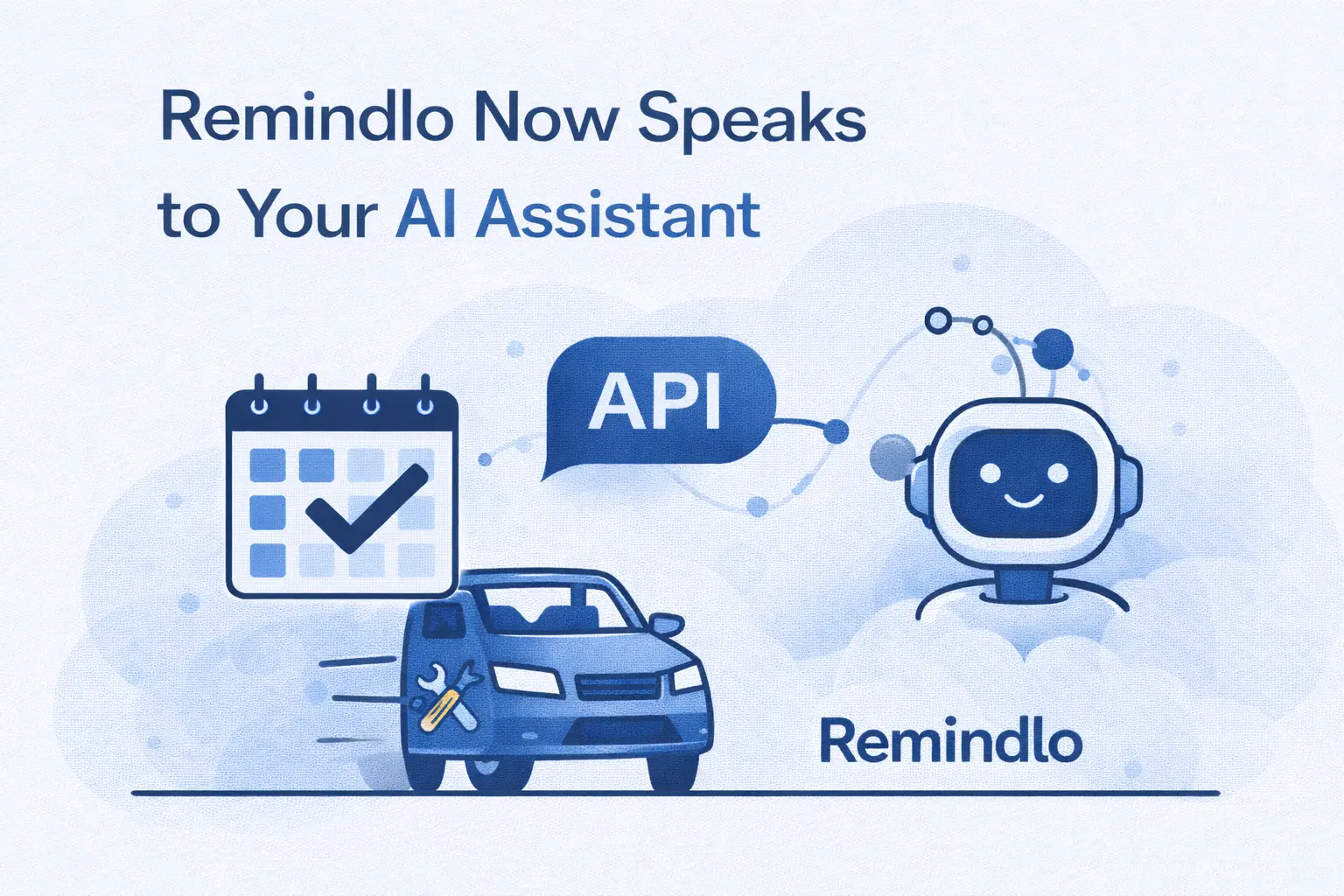
Managing customer reminders shouldn't require switching between apps. That's why we've built two new ways to integrate Remindlo into your existing workflows: a public API and an MCP server for AI assistants.
Contents
The Problem We're Solving
You're in the middle of a conversation with your AI assistant. A customer just called about their upcoming MOT. You want to add them to your reminder campaign, but that means opening another tab, logging into your SMS reminder system (like Remindlo), finding the right campaign, and manually entering their details.
What if you could just say: "Add John Smith, phone 07912345678, to the MOT reminder campaign" — and have it done?
Now you can do it with Remindlo's latest addition.
Introducing the Remindlo API
Our new REST API gives you full programmatic access to Remindlo. Four endpoints cover everything you need:
List your campaigns — see what reminder campaigns you have running and get their IDs for enrollment.
Add or update contacts — create new contacts with phone numbers, email addresses, service dates, and automatically enroll them in campaigns. If a contact already exists, their details get updated.
Search contacts — find contacts by name, phone, or email. Filter by marketing consent, upcoming appointments, or any field you need.
Get contact details — look up a specific contact by their ID, phone number, or email address.
The API uses simple key-based authentication. Generate your key in the dashboard, add it to your requests, and you're ready to go.
Full documentation with code examples in JavaScript, Python, and PHP is available at remindlo.co.uk/help/sms-reminder-api.
MCP Server: AI Assistants That Actually Do Things
Here's where it gets interesting.
The Model Context Protocol (MCP) is a standard that allows AI assistants to use external tools directly. We've built an MCP server that connects Claude Desktop to your Remindlo account.
Once configured, you can manage your SMS reminders through natural conversation:
"Show me my Remindlo campaigns"
"Add Maria Garcia, phone +34612345678, email maria@example.com"
"Create a contact for John Smith with phone +447912345678 and enroll him in the Appointment Reminder campaign"
"Update the contact +447912345678 — set next appointment to March 15th"
"Find all contacts due for appointments this week"
No buttons to click. No forms to fill. Just tell your assistant what you need.
Setup takes about two minutes: install the MCP server via npm, add your API key to Claude Desktop's config file, and restart. Full instructions at remindlo.co.uk/help/mcp-server-claude-integration.
Who This Is For
Developers building integrations — Connect your booking system, CRM, or custom tools directly to Remindlo. When a customer books an appointment, automatically create their reminder. When they reschedule, update the next service date.
Teams using AI assistants daily — If you're already working with Claude, ChatGPT via custom GPTs, or similar tools, you can now manage reminders without context-switching. Your assistant becomes your interface to Remindlo.
Automation enthusiasts — The API works with Zapier, Make, and any webhook-capable platform. Build whatever workflow makes sense for your business.
Getting Started
Log into your Remindlo dashboard
Go to Integrtions → API Keys
Generate a new API key
Choose your path:
For direct API access: Check the API documentation
For Claude Desktop: Follow the MCP server guide
Both features are available now on all Remindlo plans at no additional cost.
Frequently Asked Questions
Is the API free to use?
Yes. The API and MCP server are included in all Remindlo plans at no extra cost. You only pay for SMS messages sent through your campaigns, same as always.
Which AI assistants work with the MCP server?
Currently, we officially support Claude Desktop. The MCP protocol is also compatible with other tools that implement the standard, including custom GPT configurations, OpenClaw (formerly Clawdbot and Moltbot), and similar AI assistant platforms such as twin.so. If your tool supports MCP servers, it should work with Remindlo.
Do I need coding skills to use the MCP server?
No. Setup requires copying a configuration snippet into a file - we provide exact instructions. Once configured, you interact with Remindlo using plain English commands like "Add John Smith to my MOT campaign."
Can I use the API with Zapier or Make?
Yes. The REST API works with any platform that can make HTTP requests. Use webhooks in Zapier, Make, or n8n to connect Remindlo to thousands of other apps and automate sending SMS reminders.
What's the rate limit on API calls?
We don't enforce strict rate limits for normal usage. If you're planning high-volume automation (thousands of contacts per hour), get in touch, and we'll make sure your integration runs smoothly.
Where do I find my API key?
Log into your Remindlo dashboard, go to Integrations, and generate a new API key. Keep it secure — anyone with your key can manage your contacts.
What's Next
This is just the beginning. We're exploring additional MCP integrations for other AI assistants and considering webhook support for real-time notifications when contacts are added or reminders are sent.
Have a specific integration in mind? We'd love to hear about it - reach out via the chat widget or email us at hello@remindlo.co.uk.
Remindlo helps small service businesses bring customers back with automated SMS reminders. No complex CRM needed - just start adding contacts for automated campaigns or connect your Google Calendar and let reminders run themselves.