5 Best SMS Reminder Tools for Outlook Calendar (2026)
 by Peter Bednarek, Founder
Contents
- Quick comparison
- What to look for in an Outlook SMS reminder tool
- 1. Remindlo - Best for UK service businesses that want repeat bookings
- 2. Remind1 - Best budget SMS reminder for Outlook
- 3. GRworks (formerly GReminders) - Best for advisers who need a CRM
- 4. Apptoto - Best for SMS, email and voice from one tool
- 5. Microsoft Bookings - Best if clients already book through Bookings
- Which one should you choose?
- Can I just use Outlook's own reminders?
- Frequently Asked Questions
- The bottom line
Quick answer
Outlook and Microsoft 365 reminders only reach you, never your clients. To text clients automatically, connect Outlook to a reminder tool. Remindlo suits UK service businesses (free plan, sign in with Microsoft, recurring reminders), Remind1 is the cheapest SMS-only option, GRworks suits advisers who need a CRM, Apptoto adds voice, and Microsoft Bookings works only for appointments booked through Bookings.
If your bookings live in Outlook, you already have most of what an SMS reminder needs: the time, the client and usually their phone number, typed into the event when they rang. What Outlook does not have is a way to send that client a text. Its reminders pop up on your screen and your phone, and a meeting invite can email an attendee, but nothing in Outlook, Outlook.com or Microsoft 365 sends an SMS to the person you are seeing tomorrow.
So the real question is not "can Outlook do it" but "which tool should sit on top of Outlook". We compared five, on the things that decide whether a small business actually keeps using one: how it connects to your calendar, whether you have to change how you book, what it costs for UK texts, and what it quietly leaves out.
A disclosure before we start: Remindlo is our product, and it is listed first. We have tried to say plainly where each of the others is the better choice.
Quick comparison
Tool | How it connects to Outlook | SMS from | Email reminders | Recurring "you're due" reminders | Best for |
|---|---|---|---|---|---|
Remindlo | Sign in with Microsoft (Outlook.com or Microsoft 365) | Free (10 SMS/month), then £19/month for 75 SMS | Yes | Yes | UK service businesses that want reminders and repeat bookings |
Remind1 | Sign in with Microsoft, plus Outlook and Teams add-ins | 10 free reminders, then from $9/month | Not mentioned | Not mentioned | The cheapest plain SMS reminder |
GRworks (formerly GReminders) | Sign in with Microsoft; Exchange on the top plan | £40-49/month for 320 SMS | Yes | Some | Advisers and practices that need a CRM and compliance |
Apptoto | Office 365 / Outlook integration; Exchange from 6 users | From $30/month, UK texts cost 2 credits | Yes | Some | Teams that want SMS, email and voice calls |
Microsoft Bookings | Built in | Included with Bookings; UK, US and Canada numbers only | Yes | No | Appointments clients book through a Bookings page |
Prices and features checked on 17 November 2026 on each vendor's own pages. Software pricing changes often, so treat this as a buyer's guide, not a quote.
What to look for in an Outlook SMS reminder tool
Four things separate a tool you set up once from one you abandon in a month.
How it reads your calendar. The best option is signing in with your Microsoft account, so new appointments, changes and cancellations flow through on their own. Publishing your calendar as an ICS link works too, but it refreshes more slowly and depends on your Microsoft 365 admin allowing calendar publishing.
Where the phone number has to go. Most tools read the number from the event itself. If you already type the client's mobile into the event when they ring, a tool that picks it up from the title or description means no change to your routine.
What a UK text really costs. Several US-built tools price in dollars and charge UK messages at double the US rate. Look at the cost per text to a UK mobile, not the headline plan price.
What happens after the appointment. A reminder for Thursday's slot reduces no-shows. A reminder in eleven months that the MOT, the boiler service or the check-up is due again is what brings the client back. Few Outlook tools do the second part.
1. Remindlo - Best for UK service businesses that want repeat bookings
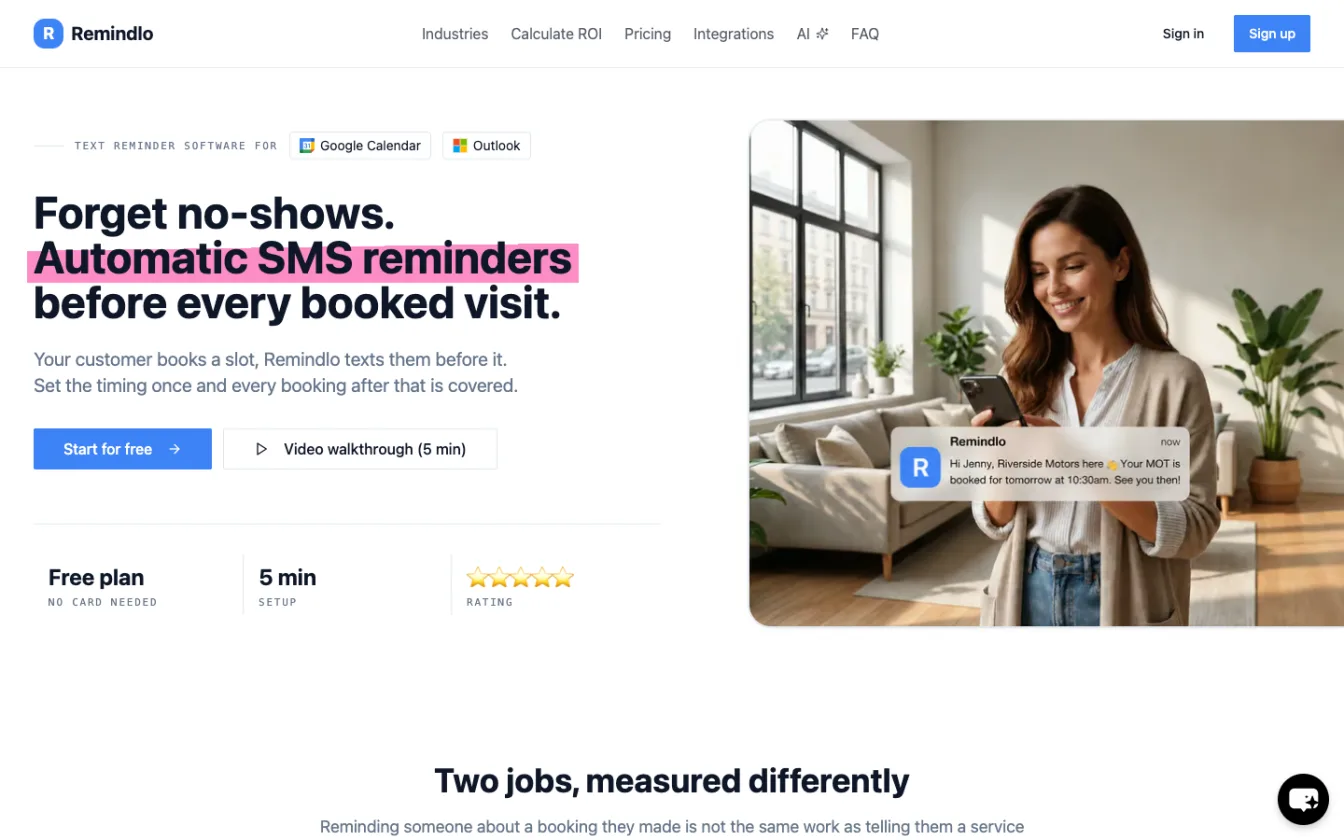
Remindlo connects to Outlook directly. In the dashboard you click Connect Microsoft Account, sign in with the Microsoft account that holds your appointments (a personal Outlook.com account or a Microsoft 365 work account) and accept read-only access to your calendar. From then on it syncs in the background on Remindlo's servers, so Outlook does not need to be open and you keep booking in Outlook on the web, Windows, Mac or your phone exactly as before.
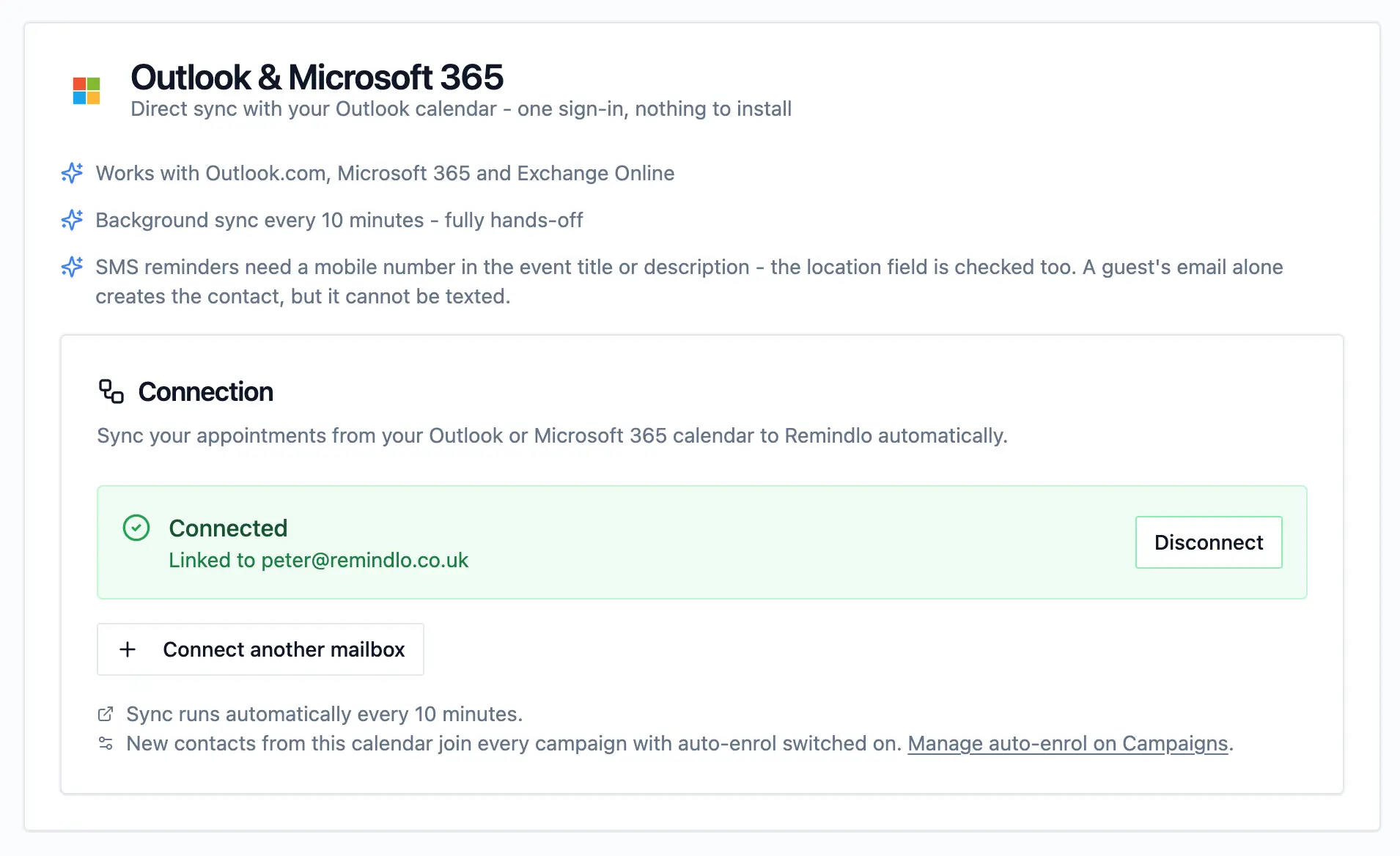
Each appointment with a mobile number in the title or description becomes a contact, and your reminder campaign texts them at the times you choose. Move or delete the event in Outlook and the pending reminder moves or is cancelled on the next sync. AI name recognition works out who the client is from entries like "Sarah - cut and colour", so the text can greet them by name.
Where Remindlo differs from the rest of this list is what happens after the visit. Every new account starts with three campaigns: a reminder before the appointment, a follow-up after it, and a reactivation message when a regular client has gone quiet. For businesses that live on recurring work (garages, dentists, vets, gas engineers, salons) that last part is usually worth more than the no-show reminder.
Pricing. Free plan with 10 SMS a month, no card needed. Starter is £19/month with 75 SMS and unlimited email, Standard £49/month with 250 SMS. If you run out, a 50-SMS pack (£9) tops you up automatically on paid plans; there is no per-text overage charge. See pricing.
Where it is weaker.
No Outlook add-in yet. You connect from the Remindlo dashboard, not from inside Outlook. Our add-in for Microsoft's store is in review.
Default calendar only. The Microsoft connection reads the account's default calendar. A separate calendar can be connected through its ICS link instead.
No booking pages. Remindlo reminds clients about bookings you already have; it is not a scheduling page like Bookings or Calendly.
One-way texts in the UK. UK reminders go out under your business name, which looks professional but means clients cannot reply to the text. Put your phone number in the message.
Start free with Remindlo · Setup guide: SMS appointment reminders for Outlook and Office 365
2. Remind1 - Best budget SMS reminder for Outlook
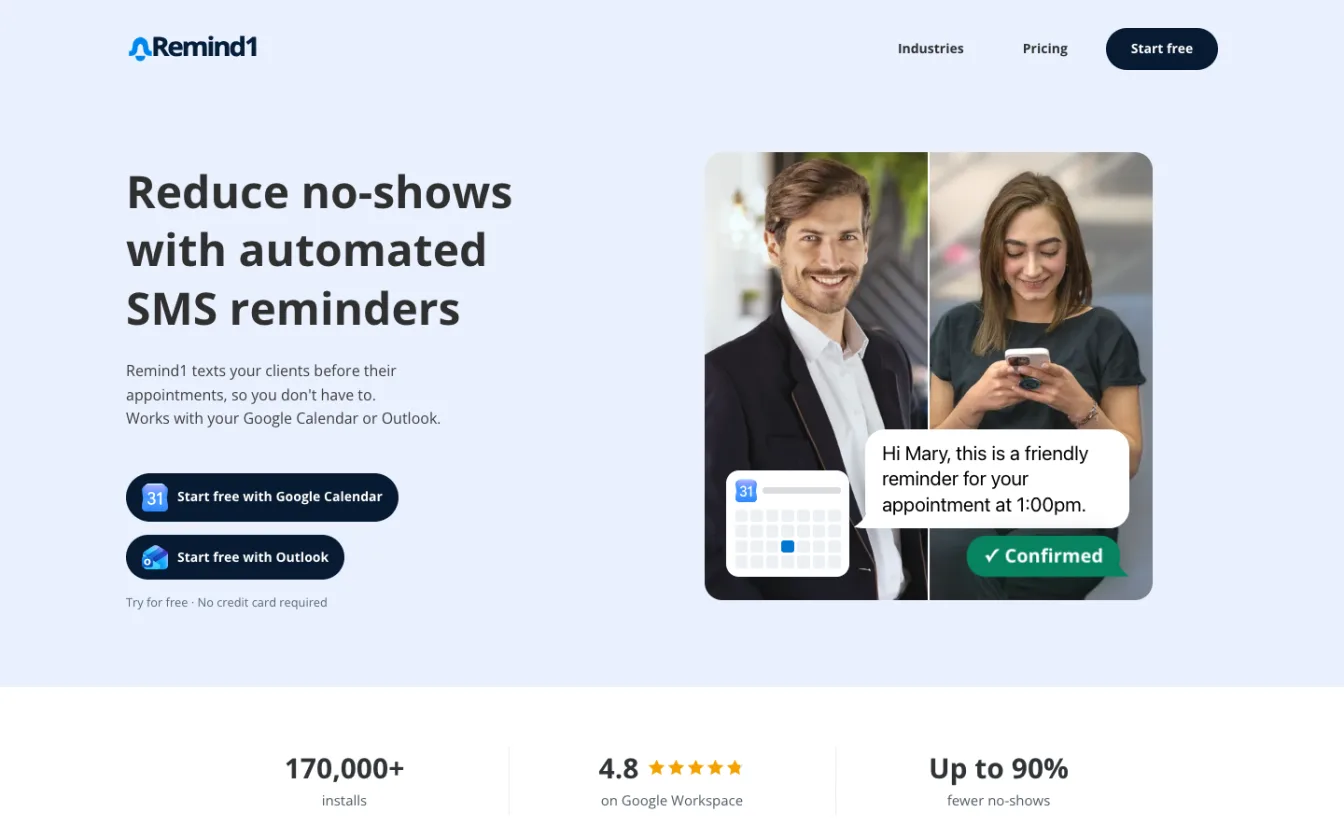
Remind1 is the best-known calendar reminder add-on and, on Google Workspace, the most installed one: it quotes 170,000+ installs and a 4.8 rating there. On the Microsoft side you sign in with the Microsoft account of your Outlook calendar, and there are optional add-ins for Outlook and Teams. You add the client's phone number to the appointment and Remind1 texts them before it starts, with a branded appointment page where they can confirm or cancel.
Pricing. The first 10 reminders are free with no card. Microsoft's marketplace lists it from $9/month; the plan grid on Remind1's own site loads after you pick your calendar. Yearly plans have no cap on reminders created per month, and one subscription can be shared with your team.
Best fit. A sole trader or small team that wants the simplest possible "text the client before the appointment" and nothing else, and is happy paying in dollars.
Limitations. Remind1 is SMS only: its site does not mention email reminders. It is built around the next appointment, so there is no "your annual service is due" reactivation. Pricing for higher volumes is not published up front.
3. GRworks (formerly GReminders) - Best for advisers who need a CRM
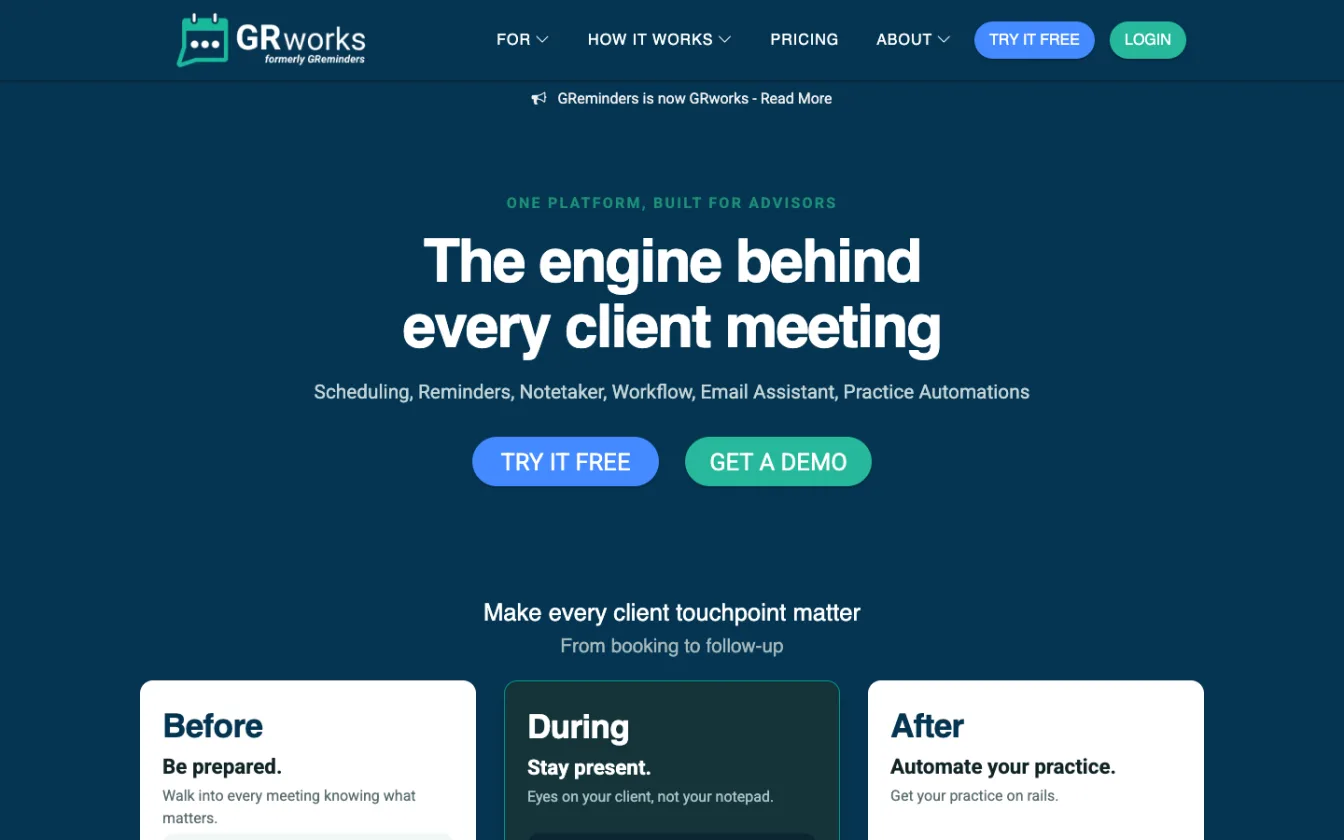
GRworks is the new name for GReminders. You sign in with your Google or Microsoft account and it works with Outlook, Office 365 and, on the Professional plan, hosted or on-premise Exchange. It sends SMS, email and voice reminders, and wraps them in scheduling pages, CRM integrations and compliance features aimed at financial advisers, accountants, lawyers and therapists.
Pricing (UK). Basic is free but email only (100 emails a month). Standard is £7-8/month but sends SMS only with add-on credit packs, from £16-19/month for 160 SMS. Professional is £40-49/month per user (the lower figure on annual billing) and includes 320 SMS or call credits, a dedicated number and HIPAA compliance. The UK page says reminders are sent from a UK phone number.
Best fit. Professional-services firms that want booking links, CRM sync and compliance paperwork in one product.
Limitations. Expensive if all you need is a reminder text: SMS realistically starts around £23 a month on Standard plus a pack, or £40+ on Professional. Most of what you pay for is scheduling and CRM.
4. Apptoto - Best for SMS, email and voice from one tool
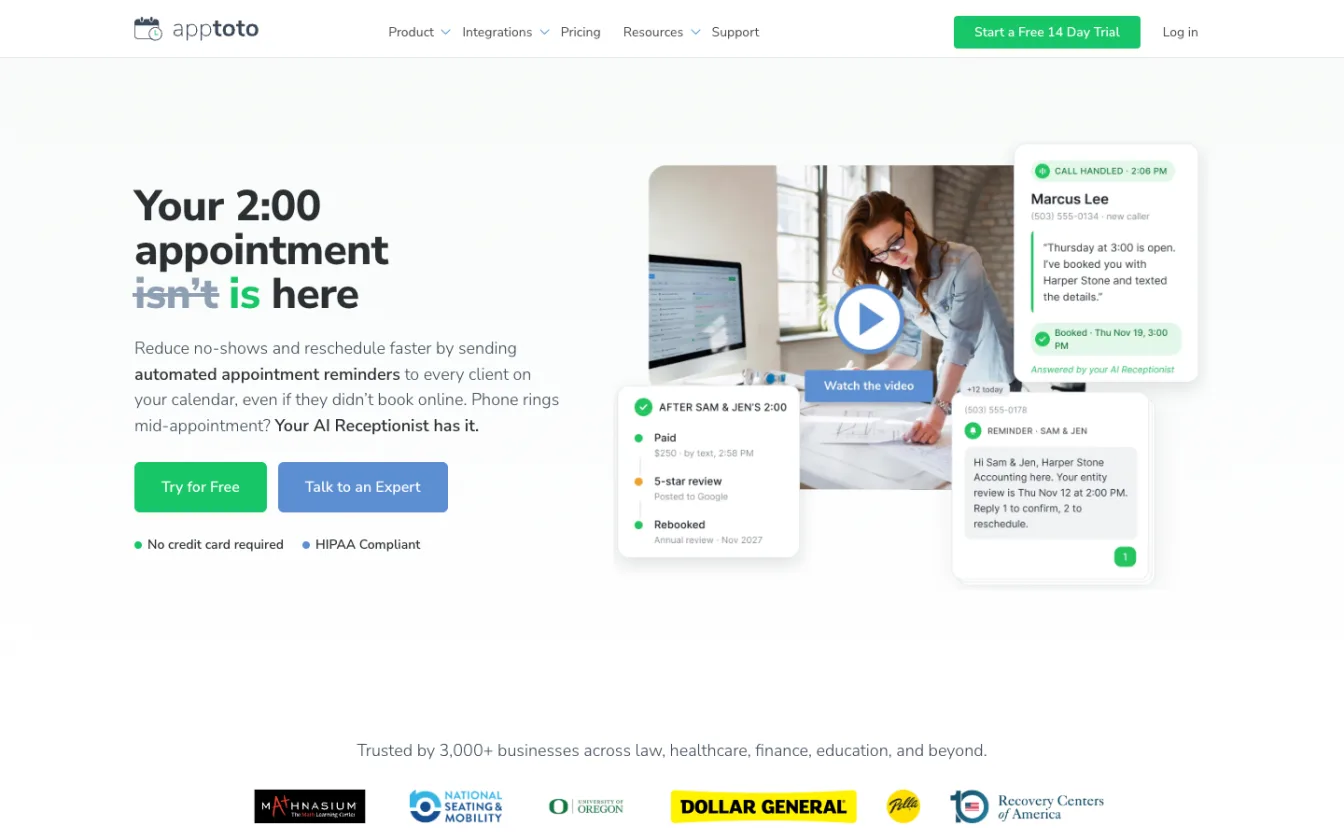
Apptoto syncs with Office 365 and Outlook and sends reminders by text, email and automated voice call, with two-way messaging and confirmations. Microsoft Exchange is a premium integration that needs at least six users.
Pricing. From $30/month, plus $10 for each additional user, with a 14-day free trial and no card. Every SMS, email or call costs one message credit, but messages outside the US and Canada cost two, so UK texts burn through credits twice as fast. Overage, if you allow it, is $0.12 per credit.
Best fit. A clinic or team that wants voice-call reminders alongside SMS, or needs replies and confirmations handled in one inbox.
Limitations. Dollar pricing and double credits for UK numbers make it noticeably dearer per UK text than its headline price suggests. More setup than a simple reminder tool.
5. Microsoft Bookings - Best if clients already book through Bookings
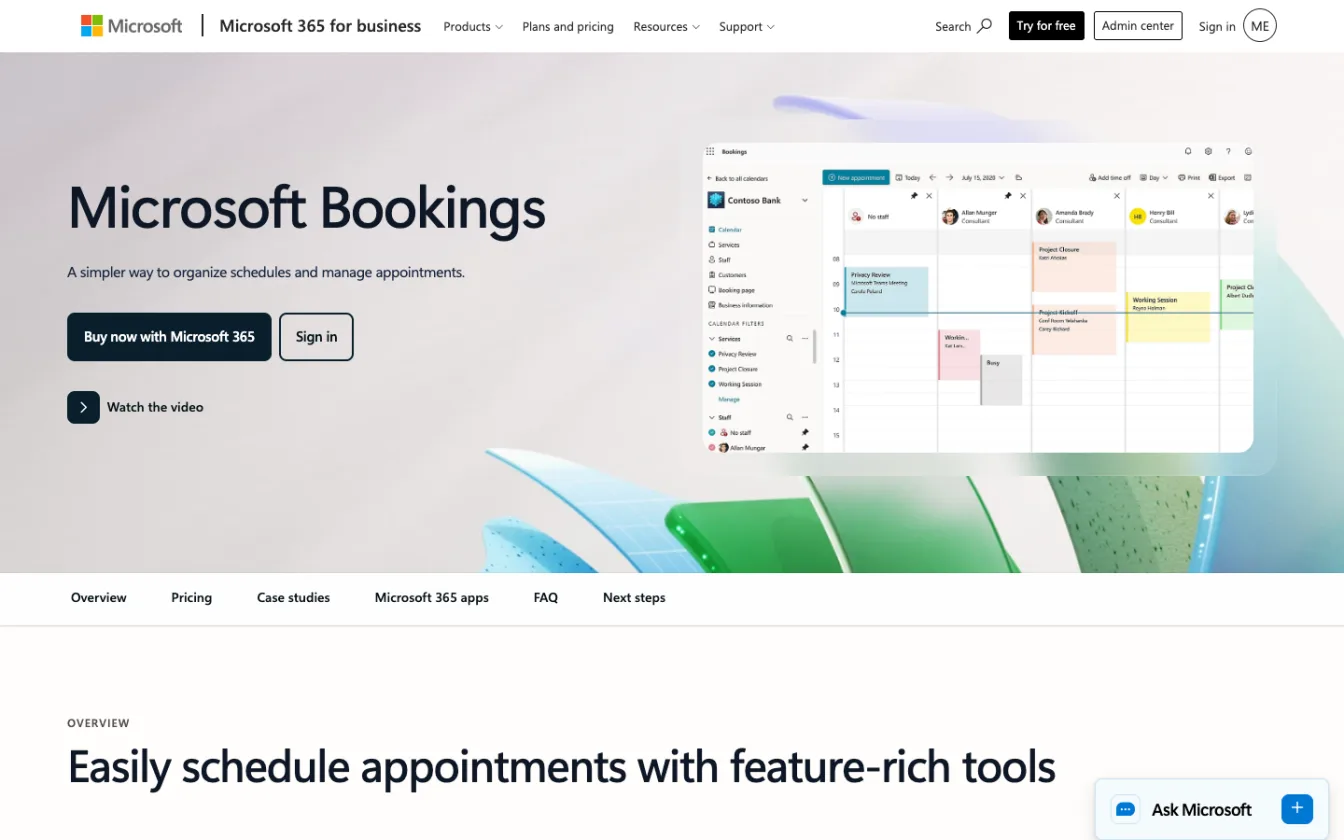
Microsoft Bookings is Microsoft's own booking page, included with many Microsoft 365 business plans. It can send confirmation and reminder texts to clients who book through it, and they can opt out by replying STOP.
Pricing. Part of your Microsoft 365 subscription. Microsoft notes that SMS notifications for virtual (Teams) appointments are now part of Teams Premium, so check your licence.
Best fit. Businesses that already send clients a Bookings page and only need a reminder for those bookings.
Limitations. This is the catch that sends most people searching: Bookings texts only appointments made through Bookings. An appointment you type straight into your Outlook calendar after a phone call gets no SMS. Microsoft's own page also says the client needs a UK, US or Canadian mobile number, and there is nothing for recurring "you're due again" reminders.
Which one should you choose?
If you... | Choose |
|---|---|
Book by phone and type appointments into Outlook yourself | Remindlo or Remind1 |
Run a recurring-service business (MOT, boiler service, check-ups, grooming) | Remindlo |
Want the cheapest plain SMS reminder and pay in dollars | Remind1 |
Need a CRM, scheduling links and compliance features | GRworks |
Want automated voice calls as well as texts | Apptoto |
Already take every booking through a Bookings page | Microsoft Bookings |
Can I just use Outlook's own reminders?
For yourself, yes. Outlook reminds you on your desktop and phone, and a meeting invite can email the client. But the invite only works if the client accepts it into a calendar they actually look at, and most clients of a garage, salon or clinic never do. None of Outlook's built-in options sends a text. If missed appointments are costing you money, an SMS reminder is the step that changes something; our sources page collects the published trials on what text reminders do to attendance.
Frequently Asked Questions
What is the best SMS reminder for Outlook Calendar?
For UK service businesses, Remindlo: you sign in with Microsoft, there is a free plan with 10 SMS a month, prices are in pounds, and it also sends recurring "you're due again" reminders. Remind1 is the cheapest plain alternative, GRworks suits advisers who need a CRM, and Apptoto suits teams that want voice calls too.
Can Outlook send SMS reminders to clients?
No. Outlook, Outlook.com and Microsoft 365 reminders reach only you, and meeting invites reach attendees by email. To text a client you need a tool that reads your Outlook calendar and sends the SMS for you.
Does Microsoft 365 send text message reminders?
Only through Microsoft Bookings, and only for appointments booked through a Bookings page, to UK, US or Canadian mobile numbers. Appointments you add to your Outlook calendar yourself get no text.
Do I need an Outlook add-in to send SMS reminders?
No. Remindlo and Remind1 both connect by signing in with your Microsoft account, and sync runs in the background whether or not Outlook is open. An add-in is a convenience, not a requirement.
Does it work with a Microsoft 365 work account?
Yes, with Remindlo, Remind1, GRworks and Apptoto. Some organisations require an IT administrator to approve third-party apps, in which case the admin approves the connection once.
Where do I put the client's phone number?
In the Outlook event, usually the title or description. Remindlo reads both, so "Jane Smith 07700 900123" in the title or "Phone: +447700900123" in the description both work.
What is the cheapest way to send SMS reminders from Outlook?
Remindlo's free plan (10 SMS a month) and Remind1's 10 free reminders both let you test at no cost. For ongoing use, Remind1 starts at $9/month and Remindlo Starter at £19/month with 75 SMS and unlimited email reminders.
The bottom line
Outlook already holds your appointments; it just will not text your clients. If you book by phone and want reminders plus repeat bookings, connect Outlook to Remindlo and send your first 10 texts free. If you only want the cheapest reminder, try Remind1; if you need a CRM or voice calls, GRworks or Apptoto. And if every booking comes through a Bookings page, Microsoft's own texts may be all you need.