5 Best Appointment Reminders for Tax Advisors (2026)
 by Peter Bednarek, Founder
Running a tax preparation office and looking for a way to remind clients about upcoming appointments, collect payment before they arrive, and bring them back every filing season? The market offers several solutions, from dedicated SMS reminder tools and appointment-focused platforms to full-scale texting systems built specifically for the tax industry.
Contents
- Why send SMS reminders to tax clients?
- 1. Remindlo - best for small tax offices using Google Calendar
- 2. Textellent - best for practices that want deep tax software integration
- 3. GoReminders - best for seasonal practices that want to pause and resume
- 4. Appointment Reminder - best for practices needing voice calls alongside SMS
- 5. Text-Em-All - best for high-volume broadcast messaging
- Summary - which system should you choose?
- Common questions
- How to get started
- Bonus - video overview
In this article, we compare five options available to tax professionals in 2026. Each is evaluated for ease of setup, features relevant to tax preparation, pricing, and suitability for different practice sizes.
At the end you'll find video comparison of all the options.
Why send SMS reminders to tax clients?
Before we get into the comparison, here is what is at stake. A single no-show at a tax preparation office typically costs $200-400 in lost revenue, depending on the complexity of the return. During peak season (January through April), even a handful of missed appointments per week adds up to thousands of dollars in lost billings.
Beyond no-shows, the bigger problem is annual client retention. Tax returns are filed once a year. Without a reminder, clients who were perfectly happy with your work will Google a competitor next January simply because they forgot your name. An SMS sent in December or early January costs pennies and brings them back.
Text messages have a 98% open rate compared to roughly 20% for email. For time-sensitive communication like "your appointment is tomorrow, please bring your W-2s and pay in advance," that difference is not marginal. It is the difference between a client who shows up prepared and one who does not show up at all.
1. Remindlo - best for small tax offices using Google Calendar
Website: remindlo.co.uk/industries/accounting
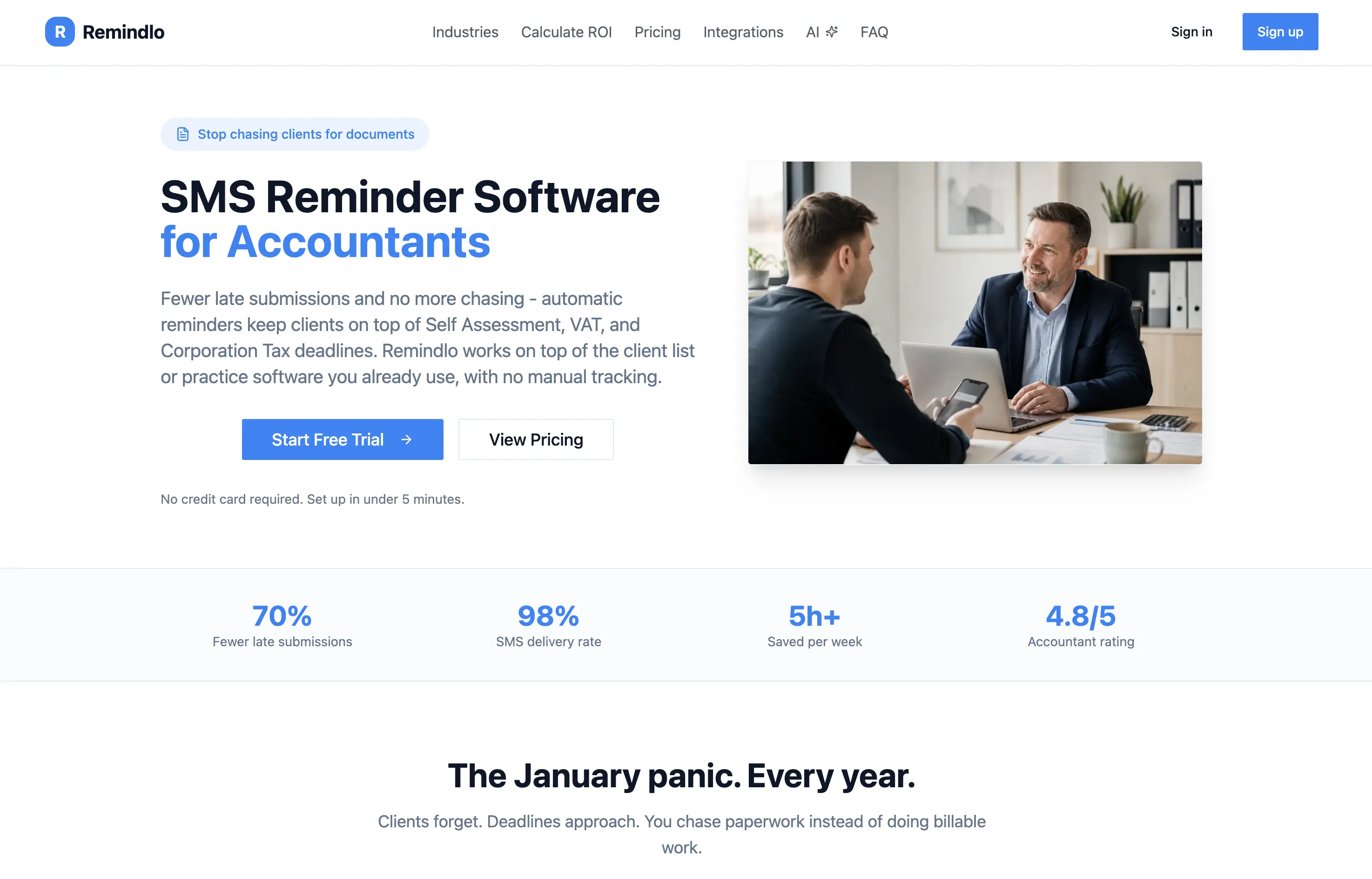
Remindlo is a dedicated automated SMS and email reminder system that works independently of any tax or practice management software. It was designed for service businesses with recurring client relationships, including tax preparation offices and accounting practices.
How it works
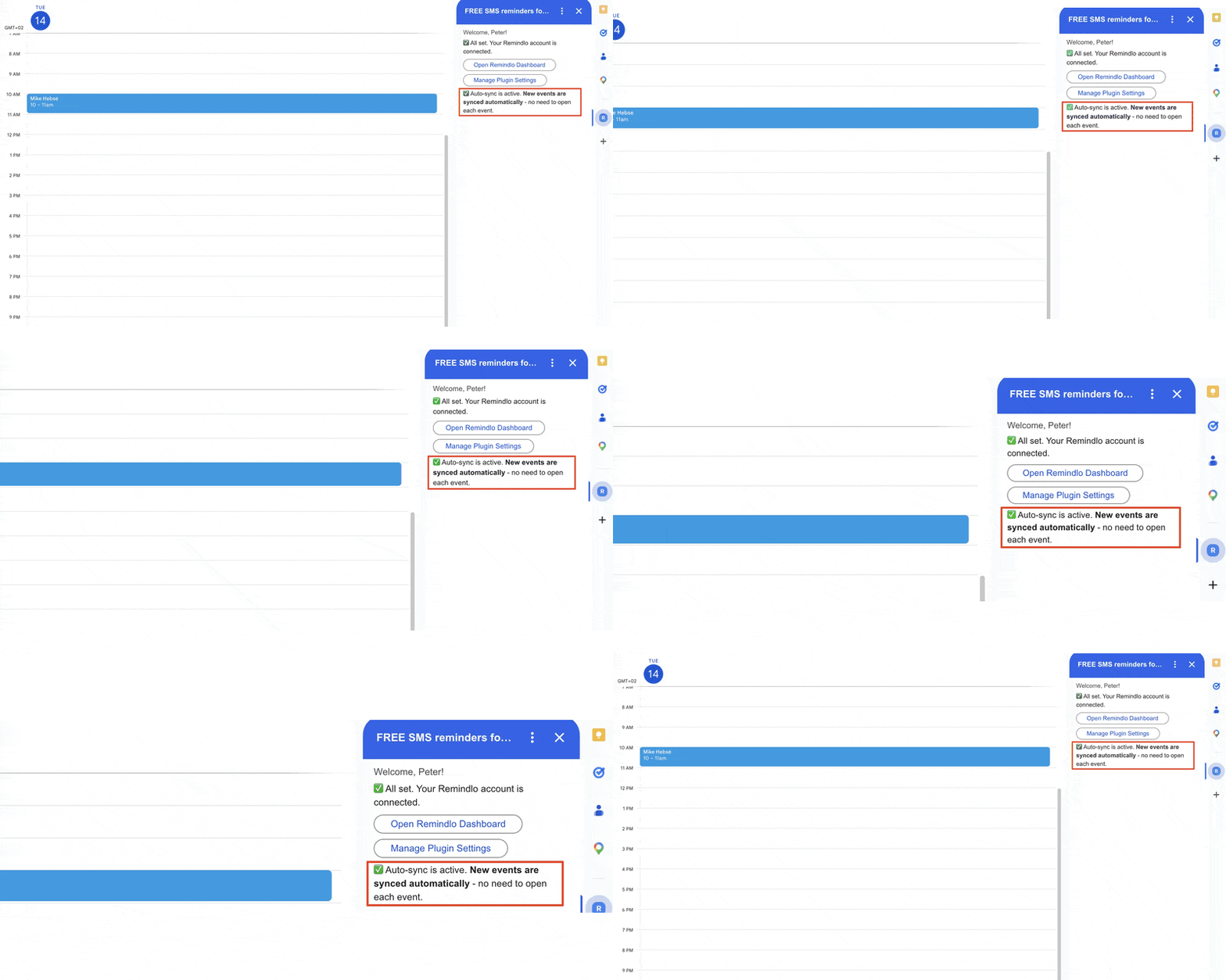
You connect your Google Calendar, and Remindlo handles the rest. When you add an appointment with a client's phone number, reminders go out automatically at the times you choose. You can also work directly through the Remindlo dashboard to add contacts, manage campaigns, and import client lists via CSV or Excel. For more advanced setups, Zapier, API, and MCP integrations are available.
Main advantages
Full automation - connect Google Calendar once, and reminders run in the background with no daily management
Works with your existing workflow - no need to switch to a new booking system; also connects with Calendly, Acuity, and Cal.com via Google Calendar sync
Payment links in messages - include Zelle details, credit card portal URLs, or any payment link directly in your reminder template
Reactivation campaigns - send seasonal messages to bring past clients back for the next tax season, not just appointment reminders
Message personalization - insert client name, appointment date, business name, and custom instructions
Free plan available - test with real clients before committing
Local currency pricing - pay in your local currency at checkout - GBP, USD, CAD and 30+ currencies supported
Limitations
Not a full practice management platform (no tax software integration, no invoicing)
Smaller SMS allocation on lower plans compared to high-volume platforms
Pricing
Plan | Monthly Price | SMS Included | Additional SMS |
|---|---|---|---|
Free | $0 | 10 | - |
Starter | $24/mo | 75 | Pay as you go |
Standard | $62/mo | 250 | Pay as you go |
Annual plans are available with savings. Unlimited email reminders on all paid plans.
Best for?
Remindlo works best for solo tax preparers and small offices (1-5 people) that already use Google Calendar and want simple, automated reminders without learning new software or changing their workflow. Particularly strong for offices that want both appointment reminders and seasonal reactivation campaigns in one tool.
Rating: 5/5 ⭐⭐⭐⭐⭐
👉 Sign up today for a free forever plan.
2. Textellent - best for practices that want deep tax software integration
Website: textellent.com/business-texting-for-accounting-and-tax-professionals
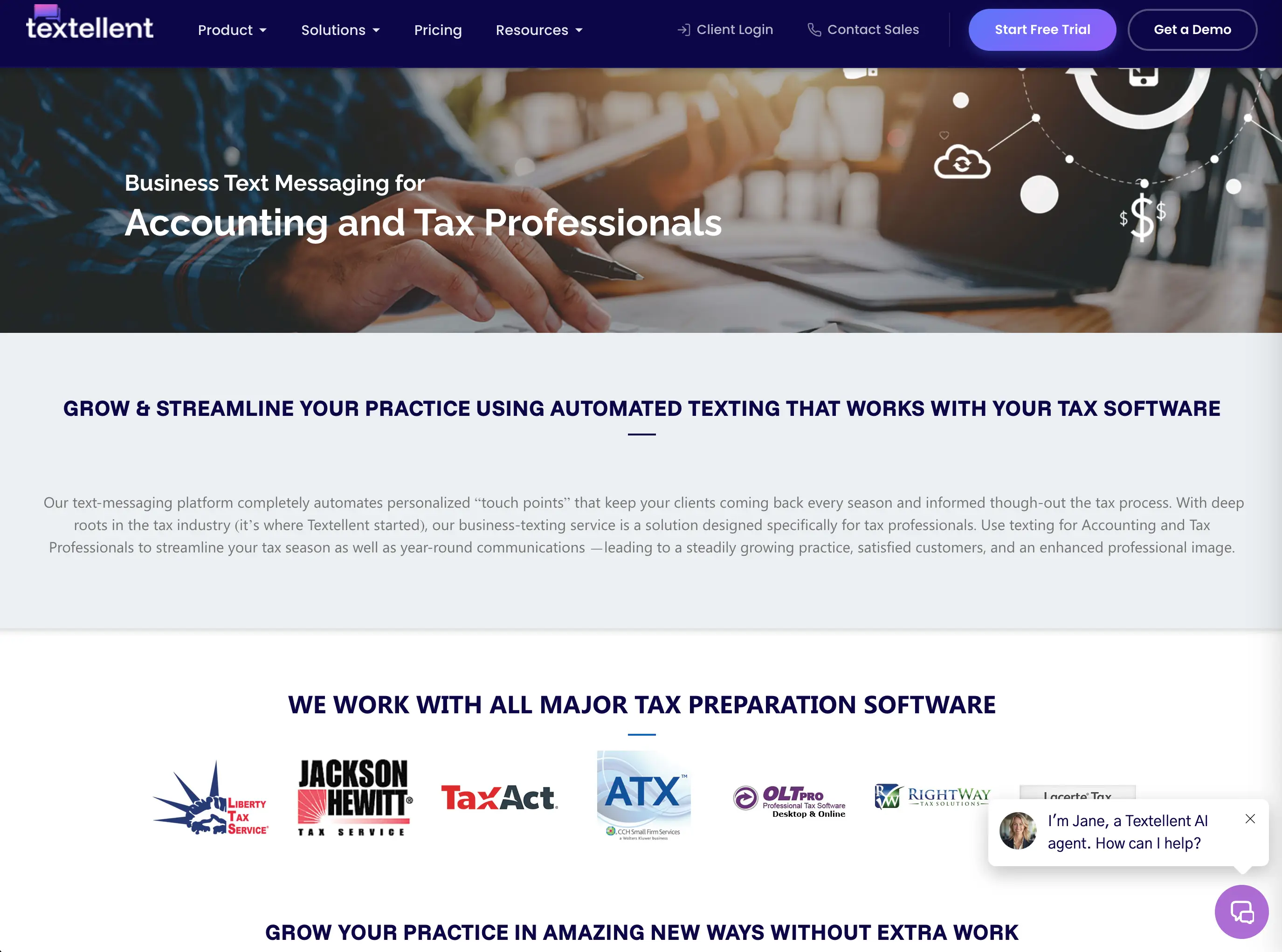
Textellent started in the tax industry and has built dedicated SMS packages for tax professionals. It integrates directly with leading tax preparation software to automate messaging based on return status.
How it works
Textellent connects with your tax preparation software (TaxWise, Drake, Lacerte, UltraTax, and others) and uses client data to trigger automated text messages at key points in the tax cycle. When a return status changes, the system sends the appropriate message automatically. It also includes a robust appointment scheduling module with multi-user and multi-service capabilities.
Main advantages
Tax software integration - works directly with all major tax preparation platforms to trigger messages based on return status
Pre-built tax campaigns - ready-made automated sequences for the entire tax cycle (reactivation, appointment prep, document requests, filing confirmations, review requests)
Text-enable your office number - clients text back to the same number they already know
Scheduling module - built-in appointment booking with up to 80% client self-scheduling (per Textellent's customer data)
Review and referral automation - automatically requests Google reviews and referrals after returns are filed
Year-round engagement - birthday messages, holiday greetings, and tax tips keep you top of mind between seasons
Limitations
Pricing is not transparent - based on the number of offices and clients, requires using a calculator or contacting sales
More complex setup - integration with tax software takes more time than simple calendar-based tools
Overkill for small practices - the depth of features may be unnecessary for a solo preparer with under 100 clients
US-focused - designed primarily for the American tax preparation market
Pricing
Textellent uses a custom pricing model for tax professionals based on the number of offices and client returns. Their general business plans start at $49/month (500 SMS credits, one user) and $119/month (2,000 SMS credits, two users). Tax-specific packages are priced separately through a calculator on their website. Scheduling software is optional and costs extra.
Best for?
Textellent is ideal for established tax practices with 200+ clients that use professional tax preparation software and want deep automation tied to the return lifecycle. Best suited for offices that want a comprehensive communication platform, not just reminders.
Rating: 4.5/5 ⭐⭐⭐⭐⭐
3. GoReminders - best for seasonal practices that want to pause and resume
Website: goreminders.com/accountant-cpa-firm-appointment-reminders-scheduling
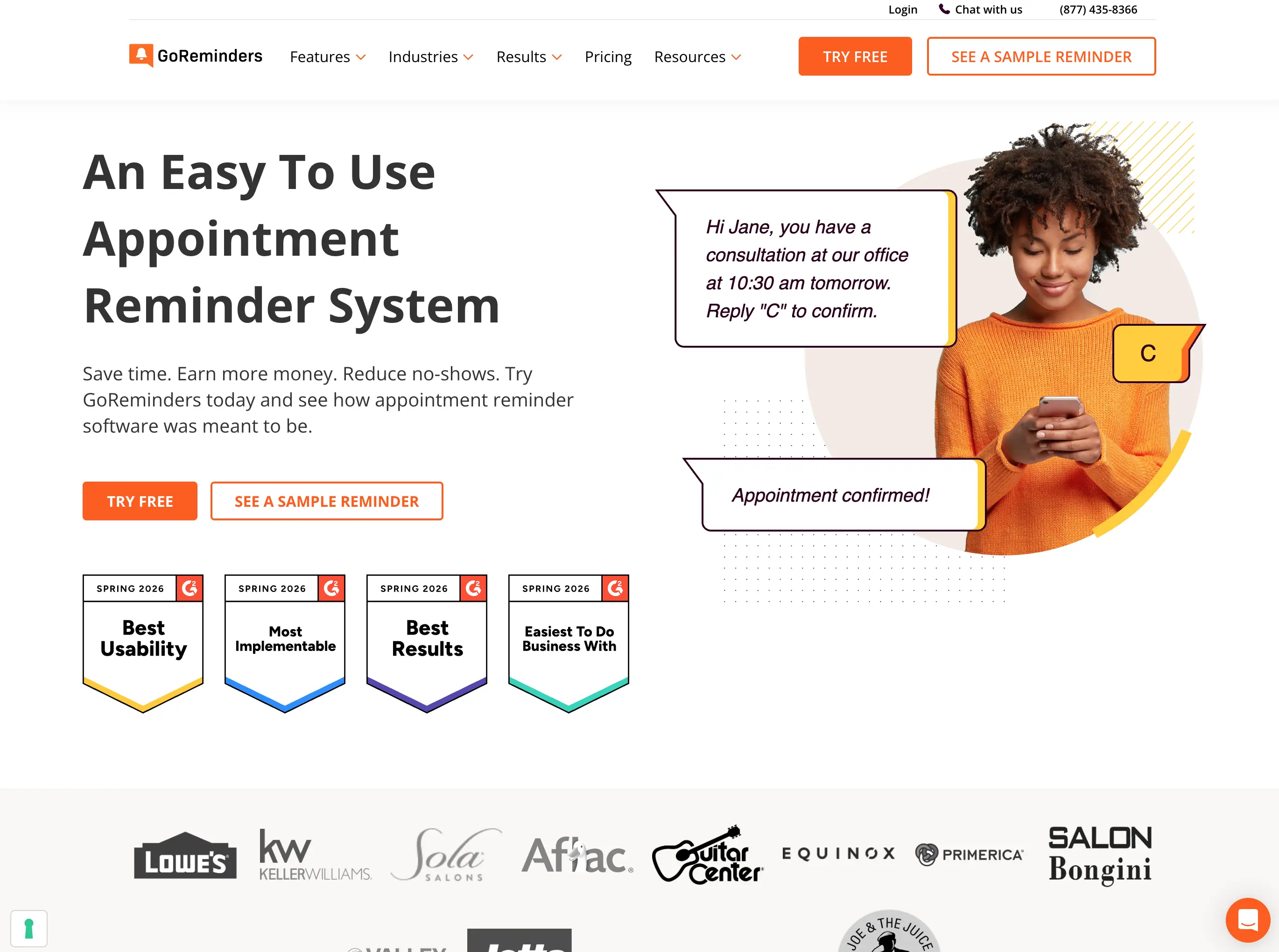
GoReminders is a general-purpose appointment reminder and scheduling platform used across many industries. It has a dedicated page for accountants and tax professionals and offers a feature particularly useful for seasonal businesses: the ability to pause your account between tax seasons.
How it works
You enter appointments into GoReminders' built-in calendar or sync from Google Calendar, Outlook, or iCal. The system automatically sends SMS and email reminders at your configured times. Clients can confirm or reschedule by replying to the text. GoReminders also includes an online booking page where clients can schedule their own appointments.
Main advantages
Pause and resume - pause your account after tax season and reactivate it when you need it again, with all contacts, settings, and past appointments intact
Easy setup - running in under 30 seconds according to GoReminders; no technical knowledge required
Appointment-based pricing - charged per appointment, not per message, so multiple reminders per appointment do not cost extra
Online booking - shareable booking page for client self-scheduling
Google review generation - automatically asks clients for reviews after appointments
Two-way SMS - clients confirm with "C" or reschedule with "R"
Mobile app - manage appointments from your phone
Limitations
No tax software integration - no direct connection to Drake, Lacerte, TaxWise, etc.
No reactivation campaigns - designed for appointment reminders, not for bringing past clients back seasonally
Pricing adds up - starts at $8/month for 10 appointments but climbs with volume; "gets pricey with all the options" noted in user reviews
Generic platform - not tailored specifically to tax preparation workflows
Pricing
Plan | Monthly Price | Appointments Included |
|---|---|---|
Basic | From $8/mo | 10 appointments |
Solo Pro | From $24/mo | More appointments + custom timing |
Team | Contact | Multi-user |
Custom | Contact | Higher volumes |
GoReminders charges per appointment, with multiple reminders per appointment included. 14-day free trial available.
Best for?
GoReminders suits tax offices that want a straightforward appointment reminder tool they can turn on during tax season and pause afterward. Good for practices that primarily need no-show reduction and do not need tax-software-level automation.
Rating: 4/5 ⭐⭐⭐⭐
A dedicated comparison covers this in more detail: Remindlo vs GoReminders.
4. Appointment Reminder - best for practices needing voice calls alongside SMS
Website: appointmentreminder.com
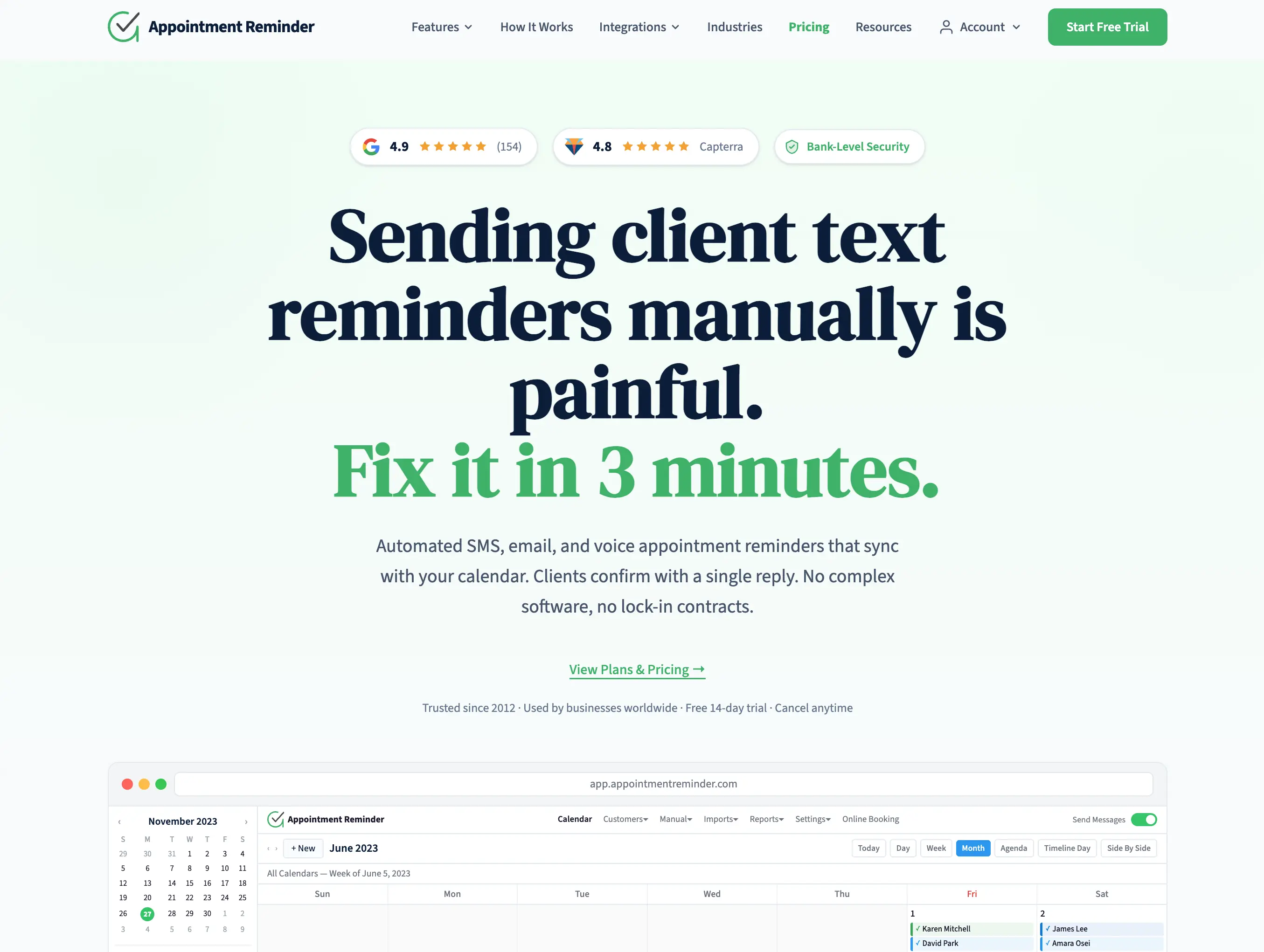
Appointment Reminder is one of the longest-running appointment reminder services on the market. It offers SMS, email, and voice call reminders with deep calendar integrations, making it a solid choice for tax offices that serve clients who prefer phone calls over texts.
How it works
Connect your Google Calendar, Outlook, or Office 365 calendar, and Appointment Reminder sends automated reminders via your choice of SMS, email, or voice call. Clients can confirm or reschedule by replying to texts or pressing keys during voice calls. The platform also includes a built-in calendar, online booking page, and automated workflows for onboarding and follow-ups.
Main advantages
Voice call reminders - automated phone calls for clients who do not read texts, particularly useful for older demographics
Three-channel delivery - SMS, email, and voice in one platform
Calendar integrations - two-way sync with Google Calendar, Outlook, Office 365, and iCal
HIPAA compliant - relevant for practices handling sensitive financial information
Annual plan flexibility - spread your reminder allocation over the full year (useful for seasonal tax businesses)
Two-way messaging - unified inbox for all client replies
Multi-country support - pricing in USD, GBP, AUD, and NZD
Limitations
Higher starting price - $29/month for 400 reminders is more expensive per reminder than some alternatives
No tax software integration - no connection to professional tax preparation software
No reactivation campaigns - focused on upcoming appointment reminders, not seasonal client recall
14-day trial only - no permanent free tier
Pricing
Plan | Monthly Price | Reminders Included |
|---|---|---|
Starter | $29/mo | 400 |
Growth | $49/mo | 800 |
Professional | $89/mo | 1,600 |
Business | $150/mo | 3,200 |
All plans include SMS, email, and voice reminders. Emails are free and unlimited. Annual billing gives one month free. No setup fees, no per-text surcharges.
Best for?
Appointment Reminder suits tax practices with an older client base that may not respond to text messages, or offices that want the option of voice call reminders alongside SMS. Also a good fit for multi-provider practices needing higher reminder volumes.
Rating: 4/5 ⭐⭐⭐⭐
5. Text-Em-All - best for high-volume broadcast messaging
Website: text-em-all.com/use-cases/text-message-reminders
Text-Em-All is a mass messaging platform designed for organizations that need to reach large contact lists quickly. It is more of a broadcasting tool than an appointment reminder system, but its flexibility makes it useful for tax offices that want to send bulk communications to their client base.
How it works
You upload a contact list (or import from your system), compose a message, and send it to the entire group or a filtered segment. Text-Em-All supports scheduled messages, recurring broadcasts, and survey-style replies where contacts can confirm with keywords. It does not sync with appointment calendars directly.
Main advantages
Mass messaging at scale - send to hundreds or thousands of contacts in one broadcast
Voice and SMS - both text and voice call broadcasts available
Survey/confirmation keywords - contacts reply with keywords to confirm, cancel, or reschedule
File attachments in MMS - send payment links, forms, or document checklists as rich media
Scheduling - set up messages in advance and send at the optimal time
Strong compliance tools - built-in opt-out management and TCPA compliance features
Limitations
No calendar integration - does not sync with Google Calendar, Outlook, or any booking system
No automatic appointment reminders - you must create and schedule each broadcast manually or via API
Credit-based pricing - credits expire, and costs climb quickly for regular use
Not built for 1-to-1 communication - designed for mass messaging, not individual appointment reminders
No reactivation campaign logic - no concept of recurring services or annual client cycles
Pricing
Text-Em-All offers two pricing models: a credits plan (buy credits, use as needed) and a monthly plan (based on contact list size). Pricing starts around $8 for small credit bundles and scales with volume. The monthly plan pricing is not published transparently and increases based on group size. A free starter plan is available for very small volumes.
Best for?
Text-Em-All suits larger tax firms (100+ clients) that want to send seasonal broadcast messages to their entire client base at once, such as "tax season is open, book your appointment now." Less suitable for automated per-appointment reminders.
Rating: 3.5/5 ⭐⭐⭐⭐
Summary - which system should you choose?
System | Best For | Ease of Setup | Tax-Specific Features | Starting Price |
|---|---|---|---|---|
Remindlo | Small offices, Google Calendar users | ⭐⭐⭐⭐⭐ | ⭐⭐⭐ | Free / $24/mo |
Textellent | Established practices, tax software users | ⭐⭐⭐ | ⭐⭐⭐⭐⭐ | ~$49/mo |
GoReminders | Seasonal practices, pause/resume | ⭐⭐⭐⭐⭐ | ⭐⭐ | $8/mo |
Appointment Reminder | Voice calls + SMS, older clients | ⭐⭐⭐⭐ | ⭐⭐ | $29/mo |
Text-Em-All | High-volume broadcast messaging | ⭐⭐⭐ | ⭐⭐ | ~$8 (credits) |
Our recommendation
If you want a solution that just works without learning new software or changing how you book appointments, choose Remindlo. It connects to your existing Google Calendar, sends automatic reminders with payment instructions and document checklists, and handles seasonal reactivation to bring clients back every January. The free plan lets you test with real clients before spending anything.
If your practice uses professional tax preparation software and you want messages triggered by return status changes, Textellent offers the deepest tax-industry integration on the market. It is more complex and more expensive, but for established practices with hundreds of clients, the automation saves significant staff time.
If you are a seasonal operation and want to pay only during tax season, GoReminders lets you pause your account between April and December and pick up right where you left off. Simple, no-frills appointment reminders.
If your client base includes older clients who prefer phone calls, Appointment Reminder offers voice call reminders alongside SMS and email, all from one platform with strong calendar integrations.
If you need to broadcast messages to a large client list at once (seasonal announcements, deadline alerts to hundreds of clients simultaneously), Text-Em-All handles high-volume sends efficiently, though it is not designed for per-appointment automation.
Common questions
Do I need a tax-specific SMS system, or will a general reminder tool work?
For most small tax offices, a general reminder tool with customizable templates works perfectly. You write the message once (including your payment link and document checklist) and it goes out before every appointment. Tax-specific systems like Textellent add value when you have hundreds of clients and want automation tied to your tax software's return status.
Can I include payment links in my reminder messages?
Yes. Any system that allows custom message templates lets you include a payment URL. Whether you use Zelle, a credit card portal like CardX, or your own payment page, you paste the link into your template and it goes out with every reminder.
How many reminders should I send per tax appointment?
Two works best for tax preparation: one 48 hours before (giving the client time to gather documents and pay) and one the morning of the appointment (as a final confirmation). Some practices add a third reminder one week before for complex returns that require extensive document preparation.
What about bringing clients back next tax season?
This is the reactivation use case, and not all reminder tools handle it. Look for a system that lets you create campaigns or scheduled messages to your existing client list. Send a message in December or early January inviting past clients to book their appointment for the new tax year.
Is it legal to text my tax clients in the US?
Yes. Under TCPA rules, appointment reminders to clients who have provided their phone number and booked a service are permitted under established business relationship provisions. Include an opt-out instruction (reply STOP) in your messages. Do not send sensitive information like Social Security numbers via text.
What if I only need reminders during tax season?
Several options work for seasonal use. GoReminders explicitly supports pausing and resuming accounts. Appointment Reminder offers annual plans where you can spread your reminder allocation across the year. Remindlo's monthly plans have no contracts, so you can subscribe during busy months and cancel when the season ends.
How to get started
Whatever system you choose, the key is to start before tax season. Set up your reminder templates, test with a few clients, and refine your message before January when volume picks up. Every appointment without a reminder is a potential no-show, and every past client without a seasonal message is someone who might file with your competitor.
If you want to test automated reminders without commitment, try Remindlo free. Connect your Google Calendar, write one template with your payment link and document checklist, and see how it works with your next few appointments.
Try Remindlo free for your tax practice
Have questions about implementing SMS reminders at your practice? Get in touch and we will help you find the right solution.
Related articles:
SMS Reminders for Tax Preparation Offices: Reduce No-Shows and Get Paid Before the Appointment
How to Send Automatic SMS Reminders from Google Calendar (Step-by-Step)
Your Past Customers Forgot About You. Here's How to Fix That
7 Best Google Calendar SMS Reminder Tools for Small Businesses (2026)
How to Automate Tax Deadline Reminders for Your Clients (UK Guide 2026)
Bonus - video overview
Rush tax season? There's nothing worse than a no-show or missed docs when your customers come in. Both of them end with no service for them and no money for you.
There's a way to fix it. It's simpler than most of the people think. Check out our video overview
👉 Sign up today for a free forever plan in Remindlo