We Read 72 Reminder Texts Businesses Wrote Themselves. Thirty Gave the Customer Nowhere to Go
 by Peter Bednarek, Founder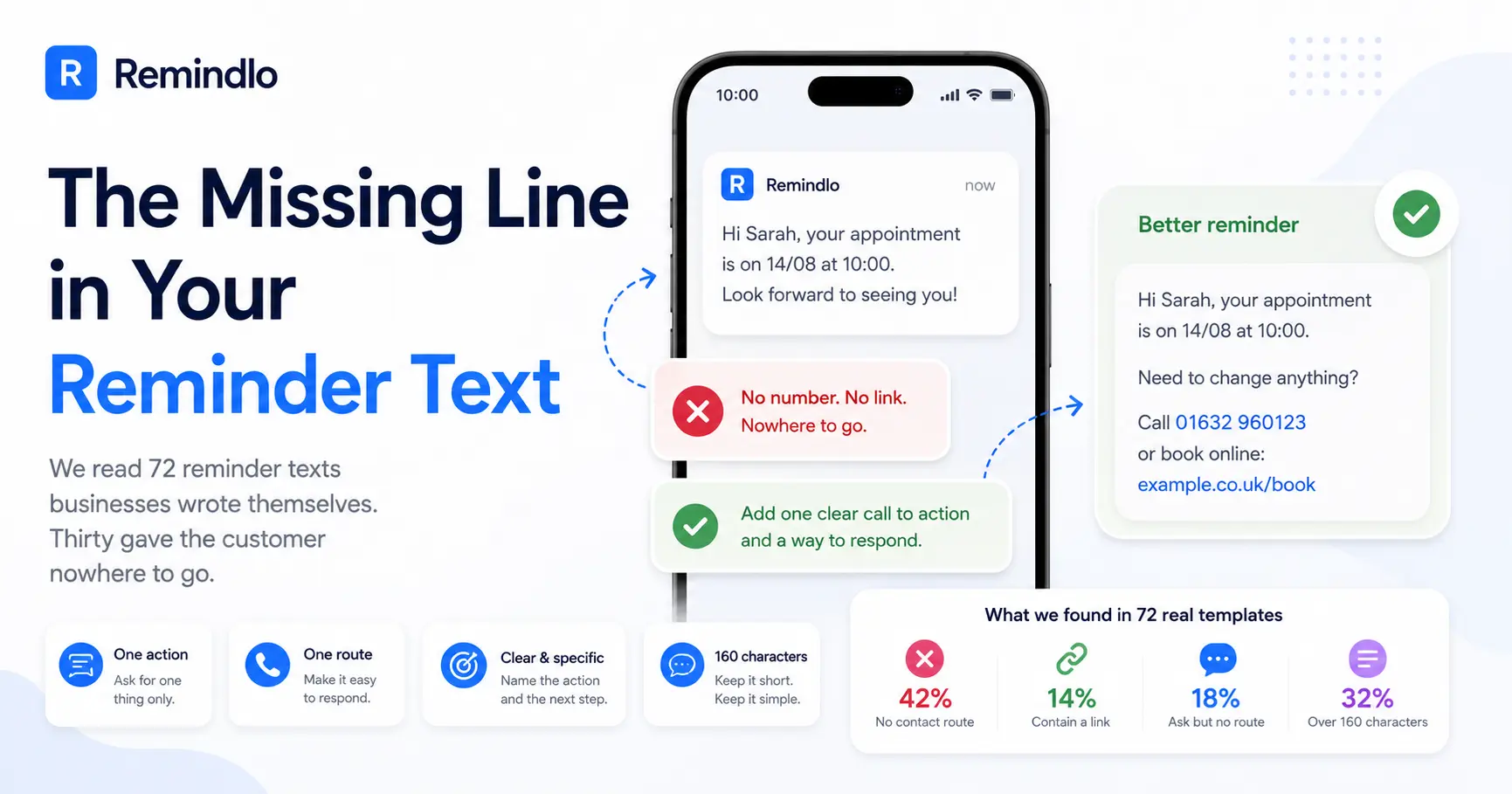
A reminder text without a call to action is a notification. It tells the customer something is happening. It does not tell them what to do about it, and it does not give them the means to do it. That gap is the difference between a message that fills a slot and a message that just gets read and forgotten. One line fixes it: one action, one route to take it.
Contents
- What 72 real templates actually contain
- Why the missing route is worse than it looks
- The anatomy of a CTA that works
- Touchpoint 1: before the visit
- Touchpoint 2: after the visit, where the CTA is a link or it is nothing
- Touchpoint 3: the reactivation message, which is where good copy fails hardest
- Five ways a call to action fails silently
- The character budget, done backwards
- The Bottom Line
- Frequently Asked Questions
We went and counted. Across the templates that businesses on Remindlo have written from scratch or edited themselves - 72 of them, in seven languages, from garages to dog groomers to acupuncturists - thirty contain no phone number, no email address and no link. Nowhere for the customer to go.
Thirteen of those thirty ask the customer to do something anyway. Please get in touch at your earliest convenience. If you need to make any changes, please contact us. Let me know if you'd like to go ahead. The instruction is there. The means is not.
This article is the part we left out of The Three SMS Touchpoints Every Service Business Should Automate. That piece argued for messaging at three moments in the customer lifecycle. It said almost nothing about what each of those three messages should ask for, which turns out to be where most of them fail.
What 72 real templates actually contain
These are templates businesses wrote or rewrote themselves, so they represent what people reach for when they sit down and think about it - not a default someone accepted without reading.
What we looked for | Templates | Share |
|---|---|---|
Written or edited by the business itself | 72 | - |
Contain a phone number, email address or link | 42 | 58% |
Contain no contact route at all | 30 | 42% |
Ask for an action, but give no route to take it | 13 | 18% |
No ask and no route - pure notification | 17 | 24% |
Contain a link of any kind | 10 | 14% |
Run over 160 characters, so cost two segments or more | 23 | 32% |
Two numbers in that table deserve more attention than the rest.
Only 14 per cent contain a link. For a channel where the recipient is already holding the device that would open it, that is a remarkable amount of friction left on the table. Tapping a link is the cheapest action a customer can take. Almost nobody offers it. There could be a simple reason for that - businesses tend to scare sending links, yet if they are not "spammy" ones, they are perfectly safe.
Almost a quarter are pure notification. No ask, no route: Hi Sarah, your appointment is 14/08. Look forward to seeing you. Perfectly pleasant, and it will reduce no-shows a little simply by arriving. But it treats the reminder as an announcement rather than as the cheapest sales conversation the business will have that week.
Why the missing route is worse than it looks
There is an assumption buried inside every reminder text that says please get in touch with no number attached: that the customer can just reply.
Often, they cannot.
Business SMS in the UK and across most of Europe is usually sent from an alphanumeric sender ID - the message arrives from a name, not a number. It is the reason a text from your bank shows up as "HSBC" rather than as 07xxx. Alphanumeric senders are one-way by design. There is no number underneath for the customer to reply to or ring. If your message says "reply to confirm" and it was sent from a sender name, the reply goes nowhere, and the customer who tried is now slightly annoyed with you for no return.
This is worth checking before you write another template, because it changes what a valid CTA even is:
Sent from a sender name (most UK and EU business SMS): the only routes that work are ones you spell out in the body - a phone number, a booking link, an email address.
Sent from a real mobile or long number (common in the US and Canada): replies work, and "reply YES to confirm" is a legitimate CTA.
If you are unsure which you have, send yourself one and look at who it came from. Our own messaging policy page splits its guidance the same way, for the same reason.
The anatomy of a CTA that works
One action. One route. Named specifically.
One action. A message that asks for two things gets neither. "Call to book, or reply to confirm, and you can also check our website" is a menu, and menus need deciding, and deciding is the thing you are trying to spare the customer.
One route. The action needs a mechanism attached to it in the same sentence. Call 01632 960123. Book here: example.co.uk/book. Not contact us - contact us how?
Named specifically. "Leave us a review" is weaker than "leave us a Google review", which is weaker still than a link that opens the review box. Every step of vagueness you remove is a step of work the customer no longer has to do.
There is a fourth quality that only matters for the pre-visit message: it should name the thing that would otherwise cause a call. Date, time, place. A customer who knows exactly where and when does not ring to ask, and a customer who knows they need to change something knows what to change.
Touchpoint 1: before the visit
The pre-visit reminder has two jobs, and most templates only do the first.
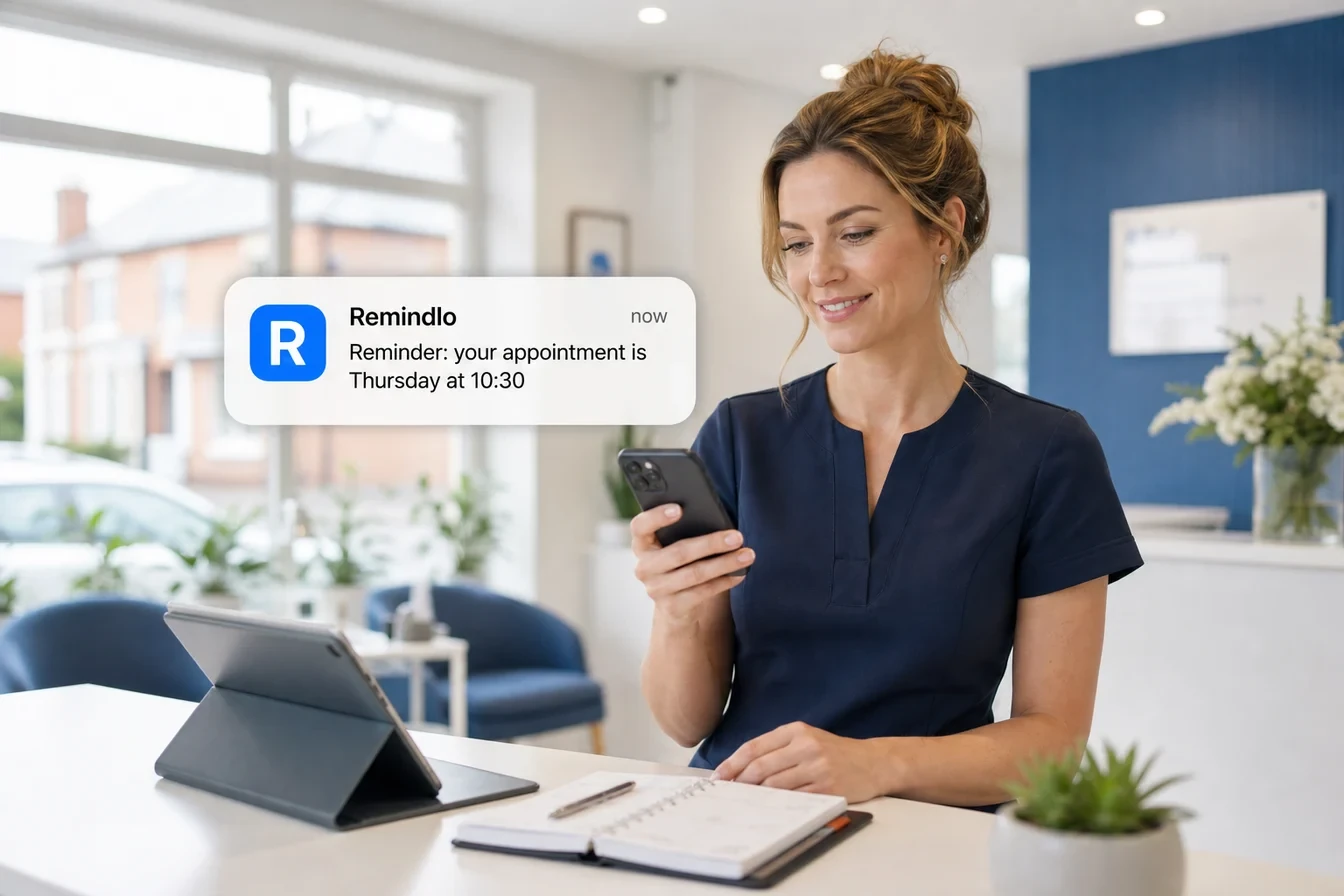
The first job is confirmation: date, time, address, so nobody turns up on the wrong day or at the wrong branch. Roughly two-thirds of the templates we read carry the date, and most of those handle it well.
The second job is giving the customer somewhere to go if the answer is no. Some proportion of the people receiving that message cannot make it. Right now they either ring you at an inconvenient moment, or they simply do not turn up. The reminder is your one chance to route them into the first behaviour instead of the second, and a slot cancelled three days out is a slot you can resell.
Weak:
Hi Sarah, just a reminder that you have an appointment on 14/08/2026. Thank you.
Better:
Hi Sarah, your service at Hillside Motors is 14/08 at 9am, 42 Bridge Street. Need to change it? Call 01632 960123.
The second version is 114 characters, still one segment, and it has converted a dead-end notice into a two-way door. Note what it does not do: it does not say "please confirm". Asking for confirmation adds an obligation for the 90 per cent who were coming anyway, and gets ignored by most of them, which then leaves you unsure whether silence means yes or no.
More on this pattern on reducing no-shows, and a set of copy-and-paste starting points at appointment reminder templates.
Touchpoint 2: after the visit, where the CTA is a link or it is nothing
This is where the numbers get uncomfortable, including for us.
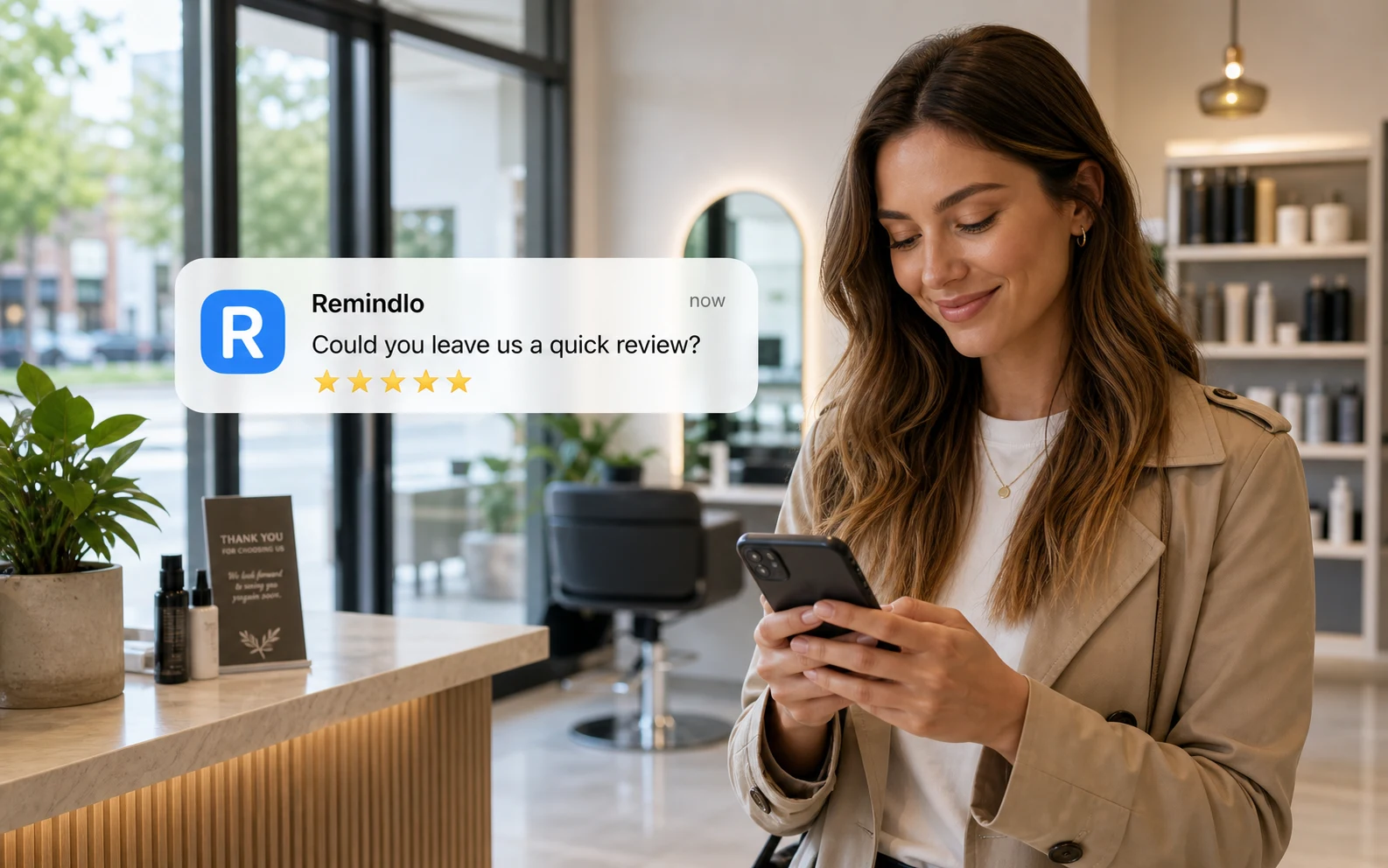
Across every template on the platform - 301 of them, including the defaults we ship - fifty ask the customer for a review. Exactly one contains an actual link. One template still has the literal placeholder [review link] sitting in the body, which is the whole problem rendered visible: somebody read the advice, agreed with it, and never came back with the URL.
Most of those fifty are our own default, and it ships without a link deliberately. Making a new signup stop, work out whether they want Google or Trustpilot, go and dig out the review URL, and paste it in before they have sent a single message is an excellent way to lose them during setup. The trade-off we took was to get people sending first and let them customise afterwards. What the number above shows is the price of that choice: a default that is easy to accept is also easy to never revisit. If you are reading this and your post-visit message asks for a review without a link, this is the paragraph to act on.
That was a count of what the messages say. We later counted something else: how many customers receive one at all. The answer turns on a single toggle, and it is the reason most review requests are never sent rather than badly written - see one toggle decides whether your customers are ever asked for a review.
A review request without a link asks the customer to do the following: read the message, open Google, remember your exact trading name, find the right listing among the three similar ones, scroll to the review box, and write something. That is six steps. The version with a link is one tap and then writing something. The gap between those two response rates is not marginal.
So, practically: get the link once, then never think about it again.
Open your Google Business Profile.
Find Ask for reviews or Get more reviews - it hands you a short
g.page/...URL.Paste it into your post-visit message template, once, wherever your system keeps it.
That short form matters. A full Google Maps URL can run past 100 characters, which on its own can push your message into a second segment. The g.page short link is usually around 20.
If your reviews live somewhere else - Trustpilot, Checkatrade, Facebook, a trade body directory - use that link instead, and name the platform in the text. "Leave us a Checkatrade review" tells the customer what they are about to open, which materially reduces the number who tap and then bounce.
The unhappy-customer problem, and the wrong way to solve it
Here is the objection everyone raises, and it is a fair one: some customers were not happy, and sending them into your Google listing is actively self-harming. Better to talk to them.
That instinct is right. The obvious implementation of it is against Google's rules.
Google's prohibited and restricted content policy says not to "discourage or prohibit negative reviews or selectively solicit positive reviews". The named example is exactly the clever version of this idea: asking the customer how it went, then sending the happy ones to your review page and the unhappy ones to a private feedback form. That is review gating, and Google prohibits it.
For US readers, the federal position is looser but not comfortable. The FTC's 2024 Rule on the Use of Consumer Reviews and Testimonials does not ban gating by name - it targets fake reviews, paid-for sentiment, and suppressing reviews through threats. The FTC's own questions and answers on the rule address the question directly and say the rule "does not contain a specific prohibition against such conduct. But this practice could violate the FTC Act." So it is not a rule violation with a fixed penalty attached; it is potentially deceptive conduct under the general prohibition, which is a slower and less predictable kind of exposure rather than a safer one.
Even the soft version - if you were happy with your visit, please leave a review - sits in the grey. It is a conditional solicitation, and it also costs you responses, because it invites every reader to first audit their own satisfaction before acting.
The compliant pattern is simpler than the clever one: offer both routes, unconditionally, to everybody, in the same message. No question, no branching, no self-sorting.
Hi Sarah, thanks for coming in to Hillside Motors today. If you have a minute, a Google review really helps us: g.page/hillside-motors
Anything not right? Call me on 01632 960123 and I'll sort it.
Nobody is filtered. The unhappy customer is handed a direct line to a human, which is what they actually wanted, and which is where most complaints go instead of into a one-star review. The happy customer is handed a link. You have not gated anything, and you have still made the outcome you want the path of least resistance.
That is 196 characters, so two segments. It is the one place in the lifecycle where the second segment is clearly worth paying for.
More starting points at review request templates and thank-you and review requests.
Touchpoint 3: the reactivation message, which is where good copy fails hardest
The best-written message in our whole sample was a reactivation text from a heating engineer. Paraphrasing, because it belongs to him:
Hi [name], Jon here from [business]. Your boiler service is due in a month. Please message or call me to book you in. Thanks, Jon
Everything about that is right. It is warm, it is signed by a person, it says exactly what is due and roughly when, and the ask is unambiguous. It reads like a text from someone you know, which is the whole advantage a small business has over a chain sending automated post.
It went out without a phone number.
The customer got a friendly, personal message telling them to call a man whose number they may or may not still have, sent from a sender name they could not reply to. The copy did its job perfectly and the message could not convert, because the last line pointed at nothing. (The number is in there now.)
This is the failure mode worth internalising: CTA quality and copy quality are independent. Writing well makes the missing route more painful, not less, because the customer is now warm and has nowhere to take it.
Reactivation carries the heaviest CTA load of the three touchpoints, for a structural reason. The pre-visit message has an appointment already on the books; the customer is coming whatever you write. The reactivation message has nothing. There is no booking, no obligation, no diary entry - the entire outcome rests on the customer performing an action in the next few minutes, or forgetting. If the action is unclear or unavailable, the message was a rounding error on your SMS bill.
Hi Mark, Simon here from Ridge Heating. Your boiler service is due next month. Call or text me on 07700 900123 and I'll book you in.
Named person, named business, named service, a window, one action, one number. 132 characters.
More on the mechanics at customer reactivation and, for the wider argument, Your Past Customers Forgot About You.
Five ways a call to action fails silently
Each of these was in the sample. None of them announce themselves, which is why they survive for months.
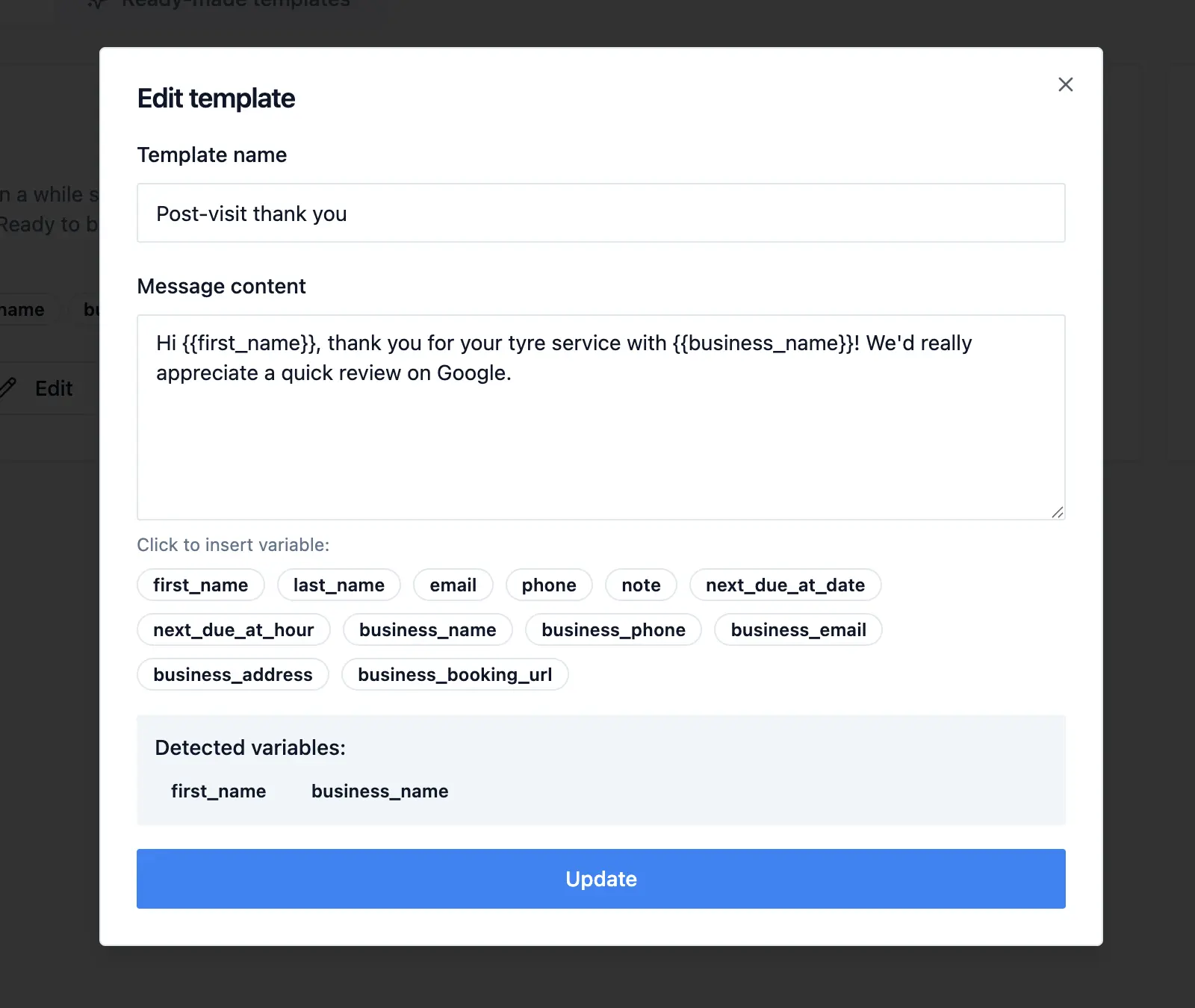
1. The variable that renders empty. A template ending "Book online: {{business_booking_url}}" turns into "Book online: " for any business that never filled that field in, and nothing in the editor warns you. Three of the five templates using that particular variable had no URL saved behind it. We found this one in our own data and changed the renderer to drop the whole phrase rather than leave the dangling half of it, which is the right behaviour but not a substitute for the habit: send yourself a real message, not a preview, and read what actually arrives.
2. The placeholder that never got replaced. [review link], [your number here], [service]. If you wrote it as a note to yourself, assume it will ship.
3. "Reply" on a one-way route. Covered above. Free to check, and it invalidates the CTA completely.
4. The link that pushes you into a second segment. GSM-7 gives you 160 characters for one SMS, then drops to 153 per part. A full Maps URL can cost 80 characters more than the g.page short form for no benefit at all. We do our best here and suggest you when the message might "eat" more segments. Use it as your guide.
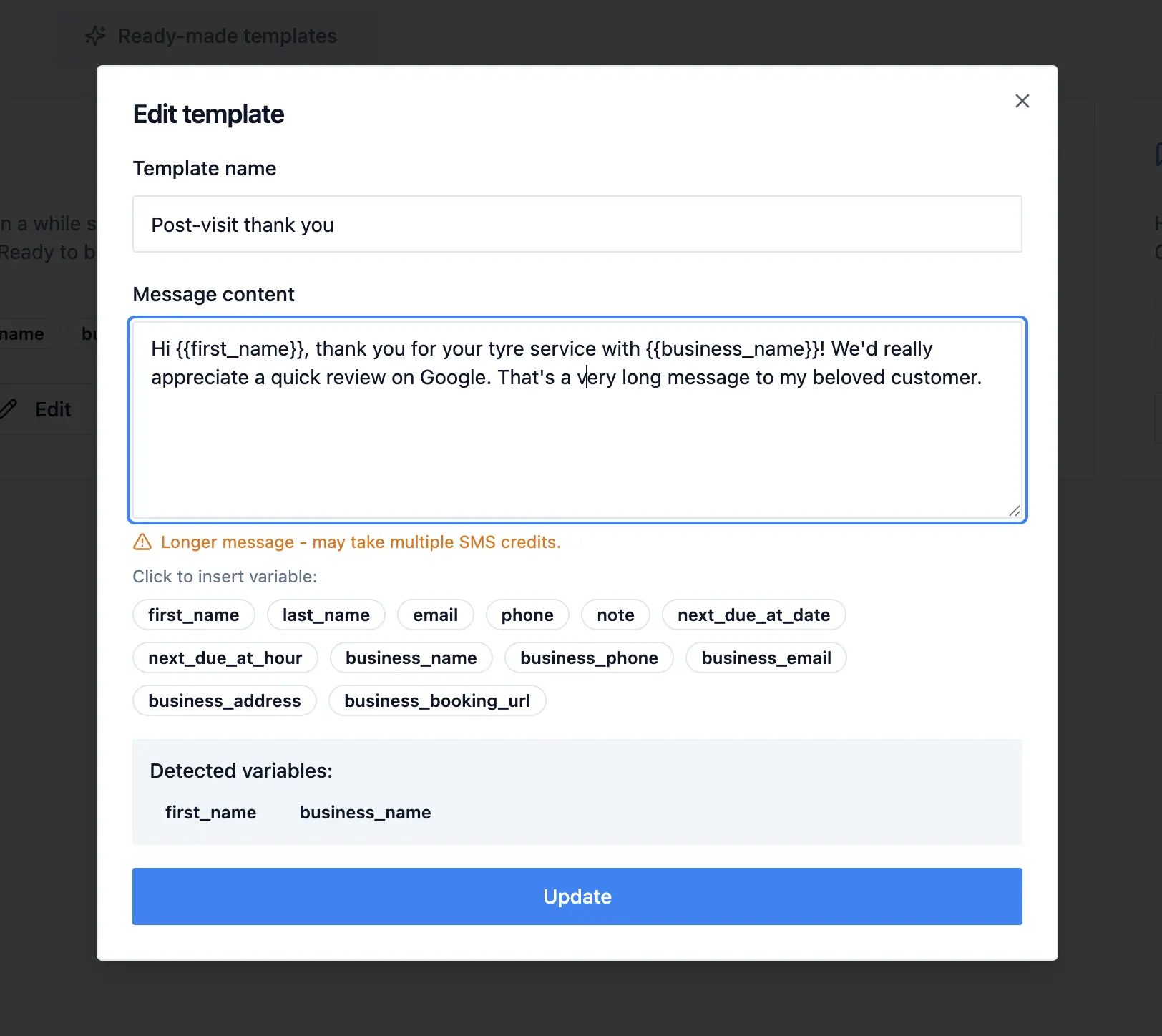
The budget itself is more fragile than most people realise. A single character outside the GSM-7 alphabet switches the entire message to UCS-2 encoding, where you get 70 characters instead of 160. Twelve of the 72 templates are encoded that way, and every one of them pays at least one extra segment for it; five would have fitted in a single message otherwise. The most common trigger is not an emoji. It is the curly apostrophe - the slanted one, code point U+2019, that phones and word processors substitute automatically for the straight ASCII apostrophe when you type "don't" - and it accounts for seven of the twelve. That one is free to fix: turn off smart quotes where you write your templates, or avoid the contraction. The two characters are near-indistinguishable on screen, which is exactly why this survives proofreading. The remaining causes are lowercase Greek and French circumflexes, neither of which is in GSM-7 and neither of which is a mistake - if you write in those languages you are simply on the 70-character budget, and it is better to know that than to discover it on the bill.
5. Two CTAs competing. Call and reply and visit the website. Pick the one your customers actually use and delete the others.
The character budget, done backwards
Most people write the message and then discover it is 210 characters. Do it the other way round: reserve the CTA first, then spend what is left.
Element | Typical cost |
|---|---|
Greeting with first name | 12-18 |
Business name | 10-20 |
What is due, and when | 30-45 |
Call to action with a route | 25-40 |
Sign-off | 8-15 |
That comes to roughly 85-138 characters, which fits one segment with room to spare. What breaks the budget is almost never the CTA - it is a second sentence of pleasantry. Scheduling in advance helps ensure your preferred date and time are available while keeping your routine on track is 111 characters that could have been a phone number and a sign-off.
The Bottom Line
Almost every reminder text we read was written by someone who cared. They were polite, personal, often better written than the automated post from the chain down the road. And 42 per cent of them ended without telling the customer where to go.
The fix is one line, and it is the same line at all three touchpoints, pointed at a different action:
Before the visit: date, time, place, and a number to ring if it needs changing.
After the visit: the review link itself, plus a direct line for anyone who needs to raise something - both, unconditionally, to everyone.
When it is time to come back: what is due, and exactly one way to book it.
Then send yourself a real message and read it as a customer. If your own text does not tell you what to do next and hand you the means to do it, it will not tell them either.
If the copy is right, now it's time to see the technical stuff. Check out our full guide on why SMS Reminders are not being sent.
Start with 10 free SMS reminders - no credit card required →
Frequently Asked Questions
What is a call to action in an SMS reminder?
It is the line that tells the customer what to do next and gives them the means to do it in the same breath: a number to call, a link to tap, or an address to visit. "Please get in touch" is not a call to action, because it names no route. "Call 01632 960123 to rebook" is.
Should I ask customers to reply to confirm?
Only if your messages are sent from a real phone number rather than a sender name. Most UK and EU business SMS goes out from an alphanumeric sender ID, which is one-way, so replies never arrive. Send yourself a test message and look at who it came from. Even where replies do work, asking every recipient to confirm creates an obligation for the majority who were always coming, and silence then becomes ambiguous.
Where do I get a short Google review link?
In your Google Business Profile, under "Ask for reviews" or "Get more reviews". It gives you a short g.page/... URL, usually around 20 characters, which opens the review box directly. Avoid pasting a full Google Maps URL - it can run over 100 characters and push your message into a second SMS segment.
Is it against the rules to only ask happy customers for a review?
Google's prohibited content policy says not to selectively solicit positive reviews or discourage negative ones, and it names the "ask how it went, then route them accordingly" pattern specifically. In the US, the FTC's 2024 Rule on Consumer Reviews and Testimonials does not prohibit gating by name, but FTC guidance says the practice could still be deceptive under the FTC Act. Send the same message to everyone, and include both a review link and a direct contact route in it, without asking the customer to sort themselves first.
How long should a reminder text be?
Under 160 characters keeps it to one SMS segment, which is one unit of cost. Reserve 25 to 40 characters for the call to action before you write anything else, and the rest usually fits comfortably. Be aware that a single emoji or curly apostrophe switches the message to Unicode encoding and cuts the limit from 160 characters to 70.
Does adding a link reduce deliverability?
Links in transactional and service messages to your own existing customers are standard practice and not a deliverability problem in themselves. Use your own domain or an official short link like g.pagerather than a generic shortener, which is more likely to be filtered, and keep the link relevant to the message it sits in.